
7 VoIP Service providers near me for 2026

It is 4:45 p.m. on a Thursday in Atlanta. A customer calls your main business number, your office manager has already left, a field employee is still on a job site, and a sales rep is working from home in Decatur. If your phone system still behaves like every call belongs at one front desk, that single missed handoff can turn into a missed appointment, a delayed pickup, or a lost sale.
That is usually why business owners search for “voip service providers near me” instead of stopping at “business phone systems.” They are not only shopping for dial tone. They are trying to find a phone system that follows their team across offices, homes, warehouses, service vehicles, and temporary project sites, while still feeling dependable for an Atlanta operation with real uptime expectations.
VoIP works like shifting your business phone service from fixed copper lines to software delivered over the internet. In plain terms, it lets calls route to laptops, desk phones, and mobile apps instead of one physical location. That makes simple tasks easier. Add a new user. Open a second office. Give a short-term team its own number. Send voicemail to email so messages do not sit unheard until the next morning.
This matters even more for Atlanta companies that coordinate schedules and moving parts all day. A medical office needs calls answered quickly and routed correctly. A logistics team needs dispatch and status updates to reach the right person fast. A contractor may need the office, field crew, and estimator to share one phone presence even though they are never in the same place.
If you are also reviewing your full communications setup, it helps to compare your phone platform with other telecom solutions for businesses near me so you can see where voice fits with internet, networking, and support.
If you are trying to improve lead flow too, this kind of operational fix pairs naturally with broader digital work like SEO for small businesses. Marketing gets the phone to ring. A better phone system helps your team answer, route, and follow up without wasting those opportunities.
This guide focuses on a question Atlanta businesses face. Do you choose a national VoIP platform with deeper features, broader integrations, and stronger support for hybrid teams, or a regional incumbent that may offer advantages if you want voice and connectivity from one local provider? That comparison matters here, because the best fit is not always the biggest name. It is the provider that matches how your Atlanta business runs.
1. RingCentral MVP (RingEX)
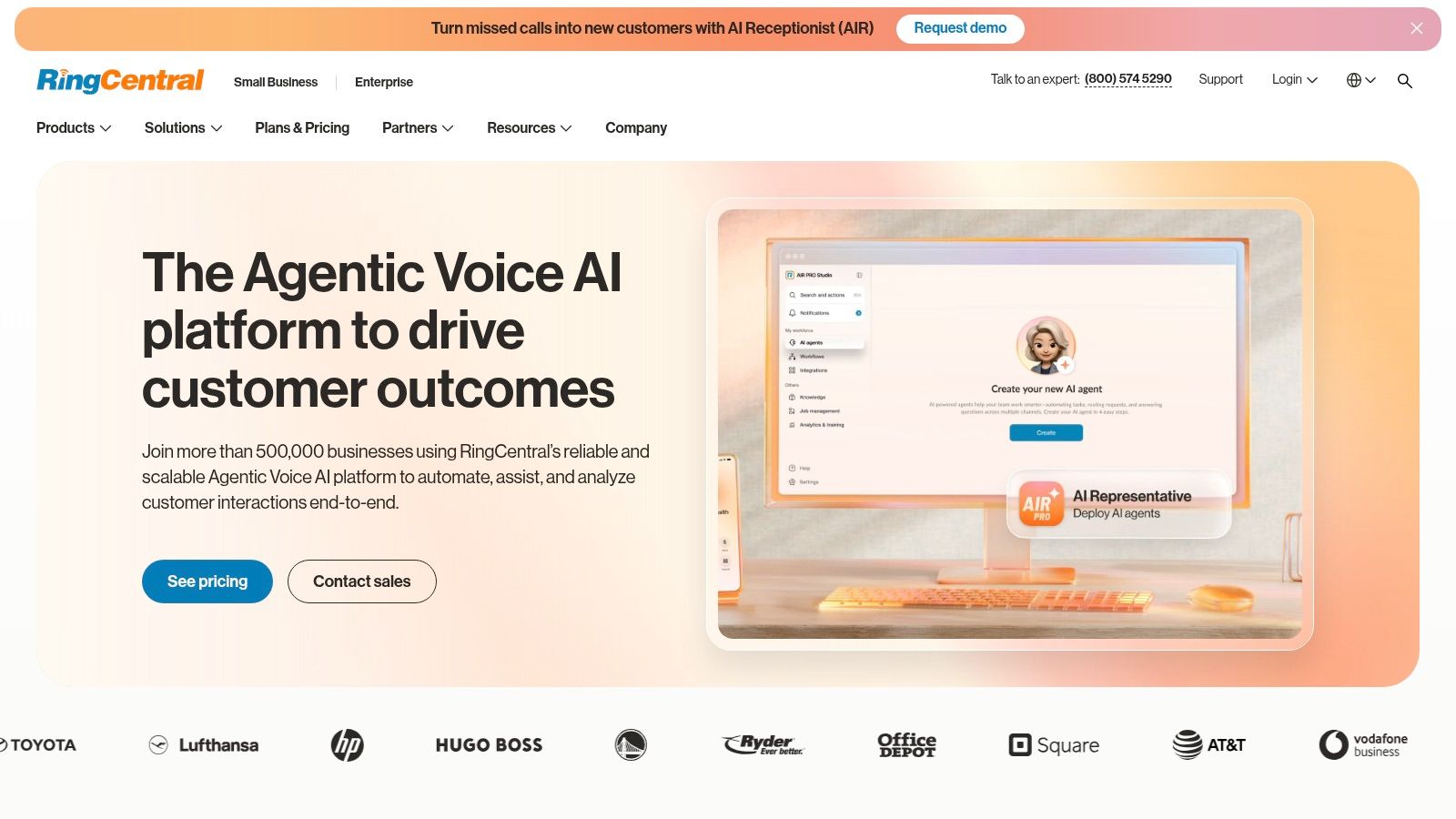
A common Atlanta scenario goes like this. The front office answers calls in one app, sales uses another, managers schedule meetings somewhere else, and nobody has a clear view of missed calls, texts, or handoffs between teams. RingCentral usually enters the shortlist when a business is tired of that patchwork and wants one system to handle the flow.
RingCentral MVP, now often labeled RingEX, bundles business calling, video meetings, team messaging, internet fax, and detailed admin controls into one platform. For a growing company, that setup works like replacing a table full of separate remotes with one control panel. The goal is not just convenience. It is fewer gaps between departments, fewer user accounts to manage, and a clearer way to support staff in the office, at home, or on the road.
That mix makes RingCentral one of the stronger national providers for Atlanta companies that need mature features without giving up day-to-day usability.
Best fit for Atlanta businesses with several teams to coordinate
RingCentral tends to fit companies that have already moved past a basic phone line mindset. If your office manager, dispatcher, sales team, and leadership group all touch customer communication, the platform gives you one place to route calls, review activity, and manage users. That matters for multi-location firms, service businesses, and organizations where missed handoffs turn into missed revenue.
Its integration options are a practical advantage too. If your team already works in Microsoft 365, Google Workspace, or Salesforce, RingCentral can sit closer to the tools employees already open every day instead of forcing them into a separate communication silo.
Atlanta owners comparing national platforms to regional carriers should also weigh the bigger picture around voice, internet, and support. This broader guide to Atlanta telecom providers for business connectivity and support can help frame that local-versus-national decision.
Practical rule: If your team is juggling calls, chat, meetings, and text messages across multiple apps, RingCentral is worth a serious look.
Where RingCentral stands out
RingCentral is strong in three areas.
First, it scales well. A company with one office today and multiple sites later can keep the same core system instead of replacing its phone setup each time it grows.
Second, the admin side is built for businesses that need structure. You can set permissions by role, control how calls route, and keep reporting organized across departments. That is useful for firms that need clearer oversight for customer service, operations, or regulated workflows.
Third, it reduces vendor sprawl. Phones, meetings, team chat, and fax live under one roof, which often means fewer support tickets and simpler onboarding for new employees.
Where to look carefully before signing
RingCentral is not always the cheapest answer once you start adding higher-tier features. Contact center tools, extra capabilities, and advanced workflows can raise the monthly cost beyond the entry price a small business first notices.
The platform also rewards companies that will use its depth. A five-person office that only needs basic calling may pay for more configuration than it needs. By contrast, a 25-person Atlanta business with departments, call routing rules, and reporting needs is more likely to see the value.
Texting deserves special attention as well. If your team plans to use business SMS heavily, ask direct questions about registration requirements, carrier rules, and how messaging will be approved and managed.
RingCentral makes the most sense for Atlanta businesses that want a polished national platform with room to grow, especially if they need stronger controls than a simple local phone package usually offers. If your priority is one communication hub for several teams, with detailed admin controls for compliance and cleaner coordination across locations, it deserves a demo.
You can explore the platform directly on the RingCentral website.
2. 8×8 XCaaS (X Series)
A common Atlanta buying situation goes like this. Your office is in Buckhead, Marietta, or College Park, but your calls do not stay local. Sales talks to suppliers overseas, support answers customers in several time zones, and leadership wants one phone system instead of a patchwork of cell phones, desk phones, and separate apps. 8×8 deserves a close look in that scenario.
8×8 XCaaS combines business phone service, video meetings, team chat, and contact center tools. Its clearest advantage is international communications. For an Atlanta company that needs local reliability at headquarters but broader reach beyond Georgia, 8×8 sits in an interesting middle ground between national cloud leaders and providers that are more tied to regional network strengths.
Best fit for businesses with calls outside Atlanta
8×8 makes the most sense for companies whose phone requirements change by team and by geography. A local accounting office with a single reception line may not need what it offers. An importer, manufacturer, logistics firm, IT reseller, or service company working with partners in other countries may.
One practical benefit is global numbering. That means your business can get phone numbers in other countries so customers or partners can reach you through a familiar local number, even if your staff is based in Atlanta. It works a bit like opening a local front door in another market without opening a full office there.
It can also help if different groups need different levels of service. Your front desk may only need standard calling. Your customer service team may need queues, reporting, and more advanced call handling. 8×8 is built to support that mix more naturally than some simpler small-business systems.
If you are also weighing cloud features against regional carrier relationships, this guide to Atlanta telecommunications company options helps frame the tradeoff.
Why Atlanta buyers put it on the shortlist
8×8 usually stands out for three reasons.
- Stronger international options: Useful for businesses that regularly call, receive calls from, or establish numbers outside the U.S.
- Flexible licensing: Different departments can use different feature levels instead of forcing every employee onto the same setup.
- One platform for internal and customer conversations: Voice, meetings, chat, and contact center functions can stay closer together.
That last point matters more than it first appears. When communications tools are split across vendors, even simple tasks like onboarding a new employee or tracing a missed customer call can turn into a scavenger hunt. 8×8 appeals to teams that want fewer handoffs between systems.
What to verify before buying
At this juncture, Atlanta business owners should slow down and ask precise questions.
8×8 pricing in the U.S. is often less straightforward than highly self-serve platforms, so expect a sales conversation. Ask for plan details in writing. Confirm which features are included, which ones require a higher tier, and which international destinations fall under standard calling versus special charges.
Also review country coverage carefully. "Unlimited" international calling is not the same as unrestricted calling to every destination and device type. Mobile numbers, fair-use limits, and country-specific exclusions can change the actual value of the plan.
Support and implementation should be part of the comparison too. Since this article is focused on Atlanta businesses, that matters. National providers like 8×8 often bring wider feature depth and global scale. A regional incumbent may offer advantages tied to local circuits, existing service relationships, or bundled connectivity. Your choice depends on whether your bigger risk is outgrowing the platform or lacking local telecom alignment.
8×8 is a strong option for an Atlanta office with a communication footprint that reaches far beyond the city. If your team needs global numbers, flexible licensing, and room to support multiple locations or countries under one system, it belongs on your shortlist.
Visit the 8×8 website to review current offerings.
3. Nextiva
A lot of Atlanta companies reach the same point. The old phone setup still works, but only if someone remembers call forwarding rules, hunts through voicemail, and explains the system to every new hire. Nextiva appeals to businesses in that stage because it brings order without asking your team to learn an overly technical platform.
That is the main reason it stands out in a guide about voip service providers near me. National platforms often win on feature depth, while a regional incumbent may have advantages tied to local circuits or bundled connectivity. Nextiva sits in the middle of that decision. It offers the scale and polish of a national provider, but it is often easier for a local Atlanta office to adopt and manage day to day.
Why it works for growing teams
Nextiva puts calling, business texting, team chat, and video meetings into one app. For an office manager, that can feel like replacing a drawer full of mismatched keys with one labeled key ring. The benefit is simple. Fewer apps to train on, fewer places for messages to get lost, and fewer workarounds when employees split time between the office, home, and the road.
Its call routing tools are also friendly to businesses that need structure but do not want to babysit the phone system. You can set up menus, direct calls by department, and adjust how calls move during lunch hours, after hours, or busy periods. That matters for service companies, healthcare practices, professional offices, and multi-location teams that want a cleaner customer experience.
If you are comparing software vendors with the bigger question of how voice fits into your internet, cabling, and support plan, review managed telecom services for Atlanta businesses before you choose a platform in isolation.
Pricing and buying clarity
Nextiva is also easier to discuss in a budgeting meeting than some providers with less transparent pricing. Published ranges give buyers a starting point, even though your final quote will still depend on features, contract terms, and user count.
That clarity helps Atlanta businesses compare two different paths. One path is a national cloud platform with broad app features and room to grow. The other is a regional provider that may fit well if you want voice tied closely to existing local telecom services. Nextiva usually makes the strongest case when your priority is an easy-to-manage cloud system rather than a carrier relationship built around local network services.
If your current setup still depends on manual forwarding, separate messaging apps, and guesswork around who answered which call, Nextiva will feel much more organized.
What to verify before signing
Clean pricing pages do not guarantee a simple bill. Add-ons, extra numbers, toll-free usage, and higher-tier features can change the monthly cost more than buyers expect. Renewal terms deserve attention too.
Ask direct questions during the sales process:
- Which features are included in the base plan: Confirm call recording, analytics, routing options, and texting limits.
- What changes at renewal: Ask whether promotional pricing expires and what the standard rate looks like.
- How support works after launch: Find out who handles provisioning, training, and post-deployment issues.
- What setup help is available for multi-site teams: This matters if your Atlanta headquarters supports branch offices or remote staff.
Nextiva is a good fit for Atlanta companies that want a polished cloud phone system without the heavier feel of some enterprise-first platforms. It is especially attractive for businesses that need fast adoption, straightforward administration, and enough features to support growth without turning phone management into an IT project.
You can review its current plans on the Nextiva website.
4. Zoom Phone
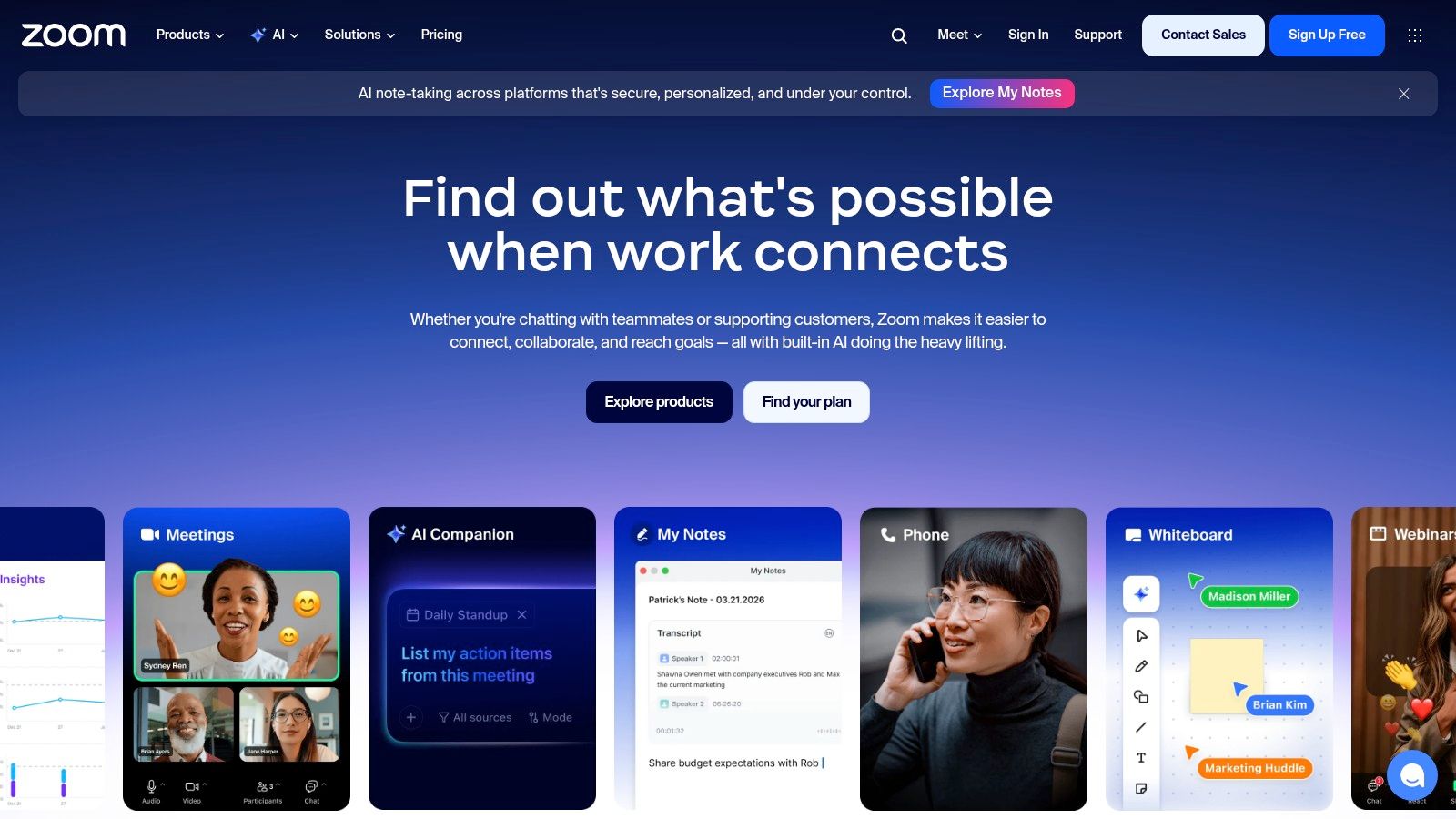
Your office manager is already scheduling meetings in Zoom. Your sales team knows the app. Your remote staff signs in every day without training. In that situation, Zoom Phone often feels less like a replacement project and more like adding a new lane to a road your team already uses.
That familiarity matters more than feature checklists suggest. A phone system only helps if people answer calls correctly, transfer them the right way, and use voicemail, routing, and mobile access as intended. For many Atlanta businesses, especially those with a mix of office staff, field staff, and hybrid employees, Zoom Phone gets early adoption right because the interface is already familiar.
Where Zoom Phone makes the most sense
Zoom Phone is strongest for companies that have already standardized on Zoom for meetings and internal collaboration. Instead of introducing a separate phone app, separate login habits, and a whole new training process, you keep voice inside the same workspace employees already recognize.
That can be a practical advantage for growing firms with limited IT bandwidth. If your team is replacing an older PBX, reducing change can matter just as much as adding features.
It is also a reasonable option for hybrid teams that need location-aware emergency calling and centralized admin controls. If call quality has been inconsistent across offices, home users, or branch locations, it is smart to review your internet foundation alongside your phone platform. Many Atlanta companies do that by comparing providers and checking whether they also need business fiber optic installation in Atlanta.
How to compare Zoom Phone against the other Atlanta options in this guide
Zoom Phone is not the local carrier choice in this lineup. It is the platform choice.
That distinction matters. National providers with a strong Atlanta presence usually win on app consistency, integrations, and support for distributed teams. A regional incumbent such as Comcast Business VoiceEdge may appeal more if you want voice tied closely to a local network relationship, bundled connectivity, or a single provider handling multiple telecom services. Zoom Phone sits on the other side of that decision. It is a better fit when the software experience is the main priority.
A simple way to evaluate it is to ask one question. Are you trying to preserve a familiar user experience, or are you trying to consolidate around a local telecom vendor?
Pricing and buying cautions
Zoom is often part of the short list for cost-conscious buyers, but headline pricing does not tell the whole story. Metered versus unlimited calling, hardware needs, shared phones, international usage, and admin requirements can all change the final monthly number.
Multi-site companies should pay special attention here. An Atlanta headquarters with satellite offices, warehouse phones, lobby devices, and remote users will have a different cost profile than a single office with softphone-only users.
Use the demo and sales call to verify a few things:
- Emergency calling setup: Ask how user locations are assigned, updated, and audited for hybrid staff.
- Desk phone support: Confirm which handsets are supported if reception, conference rooms, or common areas still need physical phones.
- Call routing flexibility: Test auto attendants, ring groups, call queues, and after-hours rules using your real call flow.
- Plan fit: Review whether metered or unlimited calling matches your actual usage pattern.
- Admin workflow: Have your IT or operations lead see how easy it is to add users, move numbers, and manage multiple locations.
Zoom Phone is a strong option for Atlanta businesses that want modern cloud calling without asking staff to learn an entirely new environment. If your company already runs on Zoom day to day, this provider deserves a close look because it can reduce rollout friction while still giving you the cloud PBX features your employees use.
See current options on the Zoom website.
5. Dialpad Ai Voice
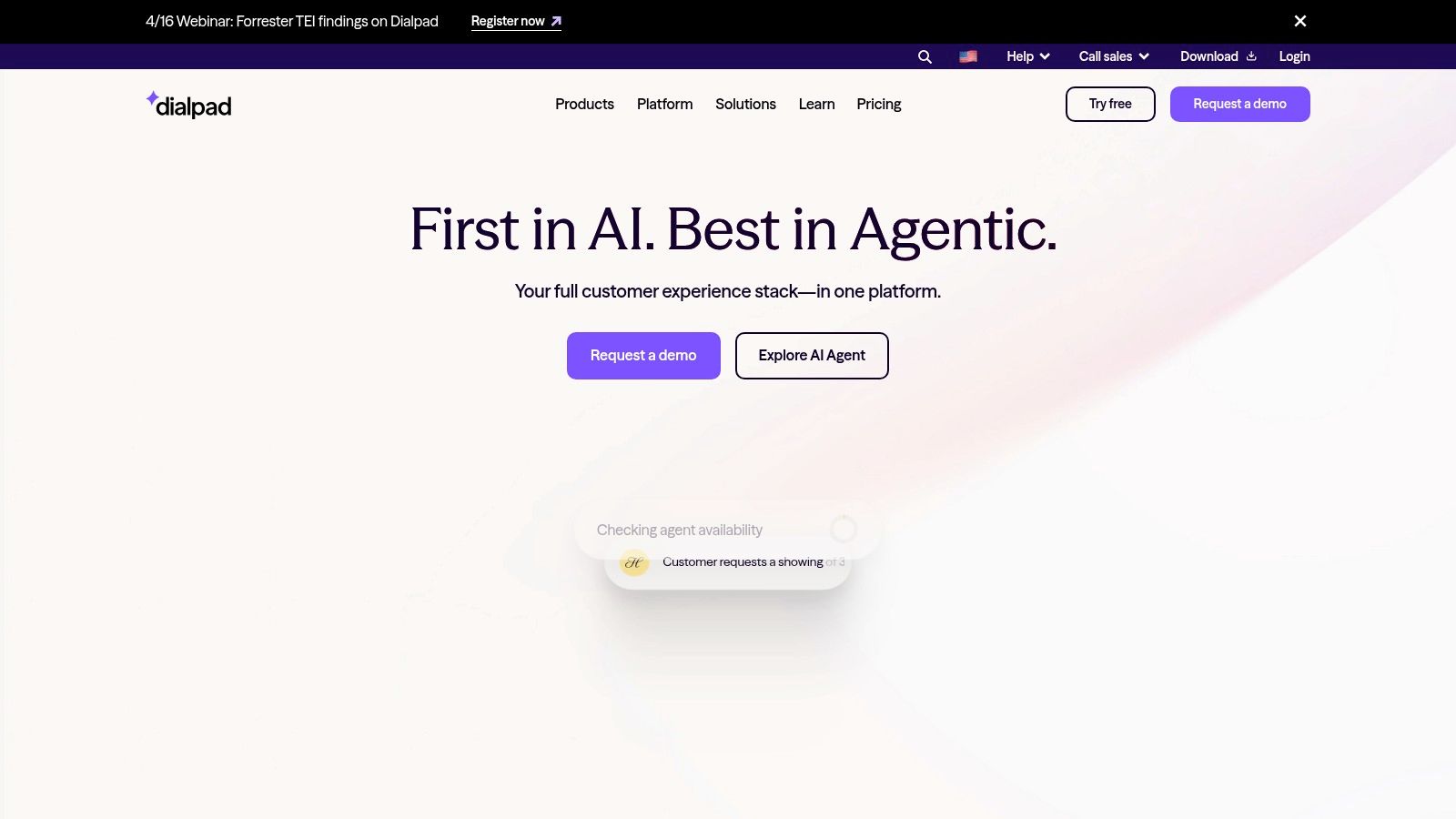
A common Atlanta office problem looks like this. A customer calls with a change request, someone jots down partial notes, another employee handles the follow-up, and key details get lost between the first conversation and the next task. Dialpad aims at that problem more directly than many competitors.
Its appeal is simple. The phone system records the conversation context while the call is happening, then makes that information easier to find later through live transcription, summaries, and searchable call history. For teams in sales, service, intake, dispatch, and account management, that can matter more than having a longer checklist of classic phone features.
Best for teams that turn calls into tasks
Dialpad works well for businesses where a phone call starts real work. A property manager may need to turn a tenant call into a maintenance ticket. A medical office may need to confirm scheduling details. A logistics coordinator may need to pass instructions from a customer to a driver or warehouse lead.
In those situations, the value is less about dial tone and more about memory. The system becomes a shared record, closer to a searchable meeting log than a basic business line.
That makes Dialpad a useful option for Atlanta companies comparing national platforms with local operating realities. If you want advanced software features but still need strong office connectivity, your internet foundation matters too. Businesses reviewing cloud calling should also look at Atlanta fiber optic installation services for business internet reliability.
Better call documentation usually comes from capturing the conversation automatically, not from asking employees to type faster after every call.
Where Dialpad stands out
Dialpad's main differentiator is that AI is built into the product experience rather than treated like a separate add-on category. That can reduce tool sprawl for smaller IT teams. Instead of piecing together notes, recordings, and follow-up tasks across multiple apps, staff can review one call record and get the main points quickly.
For Atlanta businesses comparing providers in this guide, that creates an interesting tradeoff. Dialpad may offer more day-to-day value for conversation-heavy teams than a provider with broader legacy telephony options. On the other hand, a regional incumbent like Comcast Business VoiceEdge may feel more familiar to buyers who prioritize local service relationships or bundled connectivity over AI-first workflow tools.
Limits to check before you buy
Dialpad is not the easiest fit for every office. Companies that depend on a wide range of traditional desk phones, highly customized telecom setups, or very specific compliance controls should verify the details before signing.
Focus your evaluation on these questions:
- Transcript storage: How long are transcripts, recordings, and summaries retained?
- Access controls: Which managers, supervisors, or departments can search call content?
- Compliance fit: Are the available recording and retention settings appropriate for your industry?
- Hardware support: Which desk phones and conference devices are supported if some users are not softphone-only?
- AI plan limits: Which transcription, summary, and analytics features require higher-tier plans?
Dialpad is a strong candidate for Atlanta businesses that are less concerned with old-school phone system habits and more concerned with what happens after the call ends. If your team keeps losing details, repeating work, or searching inboxes for call notes, Dialpad deserves a close look.
See current options on the Dialpad website.
6. Vonage Business Communications (VBC)
A common Atlanta buying scenario goes like this. You want more than a basic phone system, but you do not want to hand your team a platform that feels built for a much larger enterprise. Vonage Business Communications often fits that middle position.
For businesses comparing national providers with strong local sales and support presence, Vonage stands out as a mature, broad communications option. It gives you the kind of calling depth many offices still rely on every day, while keeping the cloud deployment model that makes multi-location and hybrid work easier to manage.
Why it stays on the shortlist
Vonage tends to appeal to companies that still care about the mechanics of business telephony. Call routing, auto attendants, queues, recordings, desk phone support, and mobile and desktop apps are all part of the conversation here. If RingCentral or 8×8 feels a little too enterprise-heavy, and Dialpad feels too centered on AI workflow, Vonage can feel like the practical middle choice.
That matters in Atlanta, where many businesses are balancing growth with operational simplicity. A law office in Buckhead, a distributor near I-285, and a medical practice with a few regional locations may all need the same thing. Stable call handling first. Team messaging and video second. Contact center tools only if the business grows into them.
Where Vonage makes the most sense
Vonage is a good fit when your evaluation team keeps coming back to day-to-day call flow questions instead of app novelty.
Ask whether your business needs:
- Department-based routing: Calls need to reach sales, service, billing, or scheduling without manual handoffs.
- One system for office and remote staff: Employees should be able to answer and place calls from desk phones, laptops, or mobile devices under the same business identity.
- Bring-your-own-device flexibility: Some companies want to reuse supported phones instead of replacing every handset at once.
- Room to add contact center functions later: You may not need advanced customer service tooling now, but you do not want to start over if that changes.
A good way to frame Vonage is this. Some platforms are built to impress during a demo. Vonage often scores better during the "how will this work on a busy Tuesday" conversation.
What Atlanta businesses should verify before signing
The main caution is not whether Vonage can handle business calling. It usually can. The underlying issue is plan and contract clarity.
Before you commit, confirm these points:
- Feature access by tier: Verify which calling, recording, integration, and admin features are included in the specific plan you are pricing.
- Contract terms and exit costs: Check term length, renewal language, and what happens if your headcount or office footprint changes.
- Supported hardware: Confirm which desk phones, conference devices, and BYOD options are approved for your setup.
- Support model: Ask how onboarding, porting, and post-launch issue resolution are handled for Atlanta-based teams.
- Integration fit: Make sure the CRM, help desk, or collaboration tools your staff already uses are supported at the level you need.
That last point trips up buyers more often than they expect. A provider may list an integration, but the depth of that integration can vary a lot. Basic click-to-call is very different from full activity logging, screen pops, or workflow automation.
Vonage is a solid option for Atlanta companies that want a well-established cloud communications platform with familiar business phone features and enough flexibility to grow. It is not the local-network play that Comcast Business VoiceEdge represents. It is the national-platform choice for buyers who want broad UC capabilities without jumping to the most complex stack on the board.
You can review offerings on the Vonage website.
7. Comcast Business VoiceEdge
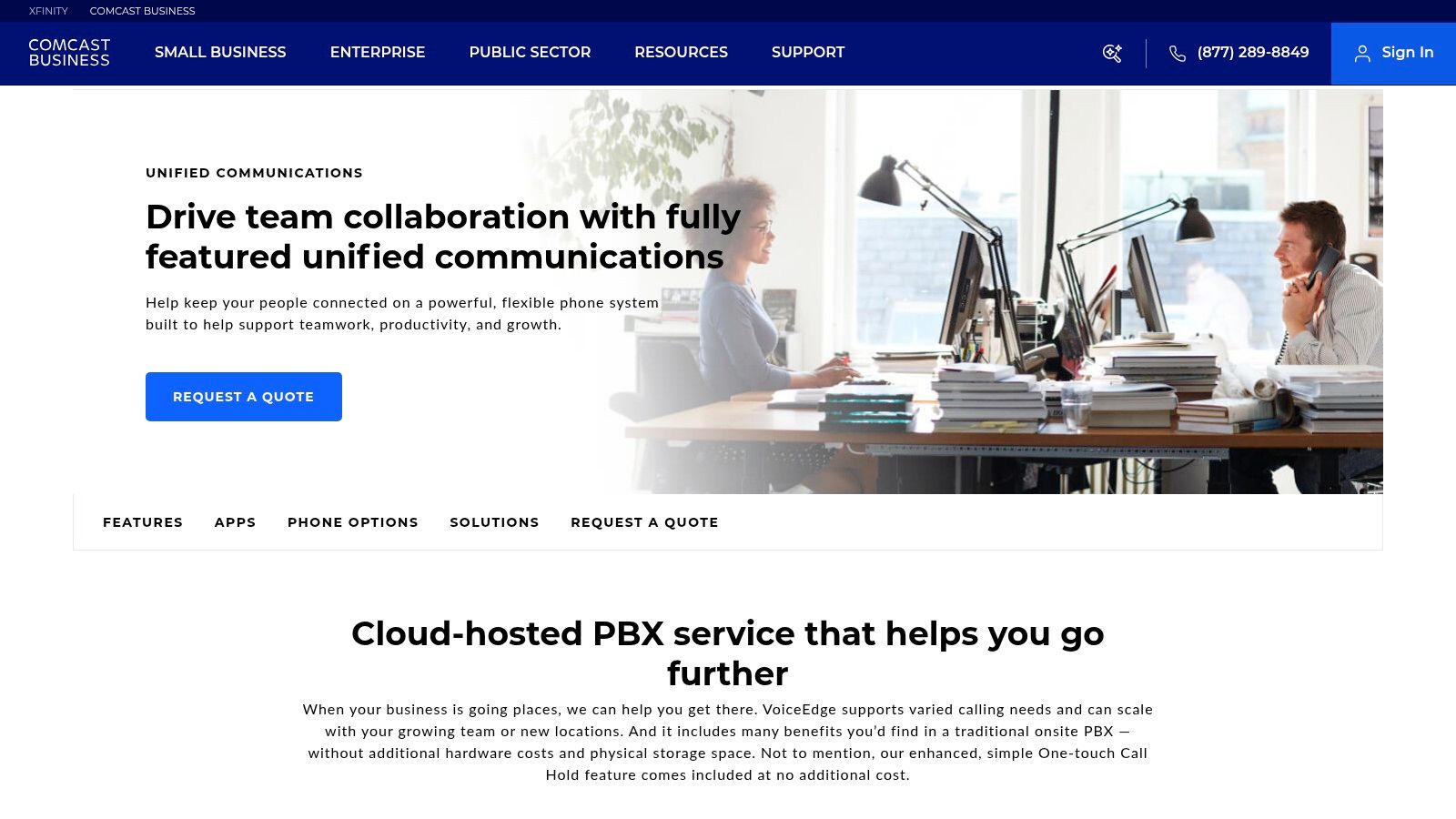
Your Atlanta office loses internet for an hour on a busy Monday. Sales calls stop, the front desk cannot transfer customers, and your staff starts asking the same question: who owns the problem? For some businesses, Comcast Business VoiceEdge stands out because that answer is simpler. One provider can handle both connectivity and business phone service.
That is the main reason VoiceEdge belongs in this guide. The national providers above tend to win on app polish, broad integrations, or UC feature depth. Comcast enters the conversation from a different angle. It appeals to Atlanta companies that care about local network presence, bundled service, and having one vendor responsible for the connection carrying the calls.
A good way to frame it is this: the cloud phone system is the car, and the internet connection is the road. National UCaaS providers often offer a better car. Comcast tries to sell you the road and the car together. If your business has had enough of finger-pointing between internet and phone vendors, that model can be appealing.
Where Comcast Business VoiceEdge makes sense
VoiceEdge is usually strongest for companies that already buy Comcast Business internet, have a physical office in the Atlanta area, and want to reduce vendor sprawl. Instead of pairing a national VoIP platform with a separate ISP, you keep voice and connectivity under one account team and one support path.
The hosted PBX feature set covers the functions many offices still need every day: auto attendants, hunt groups, voicemail, call forwarding, shared line appearances, and mobile or desktop calling. Comcast also offers options for SIP trunking and Microsoft Teams integration, which gives it more range than a basic small-business phone bundle.
That does not automatically make it the best fit. It makes it a different fit.
If your team lives inside CRM integrations, advanced analytics, or AI-powered call features, the national platforms on this list may still be stronger. If your priority is operational accountability at the network level, Comcast deserves a close look.
Questions Atlanta buyers should ask before signing
This is the provider on this list where I would spend extra time on service design questions, especially for a single-location office, multi-suite building, or hybrid workforce. Businesses often assume a modern VoIP system behaves exactly like an old desk phone line during outages or emergency calls. That assumption causes problems.
Ask Comcast to walk you through these points in plain language:
- Internet outage behavior: What happens to inbound and outbound calls if your primary connection fails?
- Failover options: Can calls reroute to mobile phones, another site, or a backup circuit?
- E911 setup: How are address details assigned for each user, phone, and floor or suite?
- Moves and changes: Who updates emergency location data when employees change desks or work remotely?
- Support ownership: If call quality drops, does one team handle both the network and voice troubleshooting?
Those answers matter more than a long feature checklist. A phone system is easy to like during a demo. It proves its value on a bad day.
Best use case for VoiceEdge
Comcast Business VoiceEdge is worth serious consideration for Atlanta businesses that want:
- One provider for internet and voice
- A company with a visible local operating presence
- A phone setup designed alongside the connection it runs on
- Fewer vendor handoffs during support issues
The tradeoff is that pricing is usually quote-based, and the experience can vary by contract structure, site needs, and account support. Go into the sales process with a checklist, not just a price target.
For Atlanta companies weighing national UCaaS leaders against a regional incumbent, VoiceEdge fills a specific role. It is the practical choice for buyers who value local network accountability and bundled service more than having the broadest software feature stack.
You can start on the Comcast Business VoiceEdge website.
Top 7 Local VoIP Providers Comparison
For an Atlanta owner comparing "voip service providers near me," this table helps sort the field quickly. It puts national UCaaS platforms with strong local availability next to Comcast Business VoiceEdge, a provider many Atlanta buyers consider because of its regional network presence. The goal is simple: compare software depth against local service and access-network alignment.
| Solution | Implementation Complexity 🔄 | Resource Requirements ⚡ | Expected Outcomes 📊 | Ideal Use Cases | Key Advantages ⭐ | Tips / Notes 💡 |
|---|---|---|---|---|---|---|
| RingCentral MVP (RingEX) | Medium to High, detailed admin controls for compliance | Moderate to High, licenses, admin time, integrations | Enterprise-grade reliability, audit trails, E911 support 📊 | Multi-site U.S. organizations, regulated teams | Broad feature set and deep integrations ⭐ | Review add-ons closely and check current carrier SMS fees |
| 8×8 XCaaS (X Series) | Medium, standard deployment with international setup | Moderate, global DIDs, international dialing plans | Strong global reach and numbering coverage 📊 | Organizations that need international calling and local numbers in multiple countries | International footprint stands out ⭐ | Confirm what "unlimited" includes and request a written quote |
| Nextiva | Low to Medium, simple setup and easy admin tools | Low to Moderate, straightforward licensing and support | Fast rollout and predictable day-to-day operations 📊 | SMBs and distributed teams that want easy adoption | Clear tiers and approachable administration ⭐ | Check add-ons such as toll-free usage, recordings, and renewal terms |
| Zoom Phone | Low, especially for teams already using Zoom Meetings | Low to Moderate, Zoom licenses, E911 setup | One familiar app for calls and video, consistent user experience 📊 | Companies already working in Zoom, hybrid offices, remote teams | Familiar interface and competitive starting costs ⭐ | Verify current plan names and pricing before purchase |
| Dialpad Ai Voice | Low to Medium, standard cloud deployment with AI setup | Moderate, higher tiers for advanced AI and integrations | Automatic transcripts, summaries, and searchable call records 📊 | Teams that want AI-generated notes and faster follow-up | AI features are built in from the start ⭐ | Advanced AI and compliance options may require higher tiers |
| Vonage Business Communications (VBC) | Medium, configurable UCaaS with many options | Moderate, multiple feature tiers, BYOD support | Reliable SMB and mid-market UC with built-in calling tools 📊 | SMBs that want a broad set of standard calling features | Well-documented plans and established vendor support ⭐ | Review contract terms carefully, especially early termination fees |
| Comcast Business VoiceEdge | Medium to High, carrier-backed deployment tied to access service | Moderate to High, Comcast access, bundled connectivity | Prioritized call quality and single-provider support benefits 📊 | Companies that want bundled internet and voice in supported Atlanta-area locations | Local network presence and QoS design ⭐ | Pricing is usually quote-based, so compare SLAs, admin tools, and contract details |
A simple way to read this table is to split the options into two groups. RingCentral, 8×8, Nextiva, Zoom, Dialpad, and Vonage are software-first platforms. Comcast Business VoiceEdge is the outlier because many buyers look at it as a voice-plus-connectivity decision, not just a phone-system decision.
That difference matters in Atlanta. A multi-location professional services firm in Buckhead may care more about integrations, mobile apps, and admin policy controls. A business with one office, one ISP relationship, and a small internal IT bench may prefer the appeal of keeping voice and internet under one roof.
If your shortlist still feels crowded, start by matching each provider to the job it does best. RingCentral fits larger or more regulated environments. 8×8 stands out for international calling. Nextiva is easier for smaller teams to manage. Zoom Phone makes sense when Zoom is already the daily workspace. Dialpad is strongest when AI call notes will save staff time. Vonage is a balanced middle-ground option. Comcast Business VoiceEdge deserves a look when local network accountability carries as much weight as app features.
Making Your Final Call How to Choose the Right Provider
It is 4:45 p.m. on a Friday. Your Buckhead office is still taking client calls, one employee is working from home in Marietta, and your owner is answering from a mobile phone between meetings. That is a true test of a VoIP provider. The right choice keeps those calls moving to the right person without confusion, dropped handoffs, or a scramble to call IT.
For Atlanta businesses, the final decision usually comes down to one practical question. Do you want the broad app, integration, and multi-site flexibility that national platforms are known for, or do you place equal value on getting voice and connectivity from a provider with local network control? This list was built around that exact tradeoff. It compares national leaders with strong local availability against Comcast Business VoiceEdge, which appeals to companies that want one provider accountable for both internet and voice in supported areas.
Start with your day-to-day operating model. If you have several departments, multiple locations, or tighter compliance needs, RingCentral often fits better because it gives administrators more policy control and a wider feature set. If your staff already lives inside Zoom for meetings and chat, Zoom Phone can be the easier adoption path because the user experience feels familiar. If your office manager, receptionist, or operations lead will handle routine changes, Nextiva is often simpler to maintain without heavy IT involvement.
Then look at the call patterns that affect revenue. 8×8 makes more sense when international calling is part of normal business. Dialpad stands out when call summaries and AI notes can save real staff time after each conversation. Vonage is a balanced option for teams that want mature phone features without overcomplicating the stack. Comcast Business VoiceEdge belongs on the shortlist when local circuit accountability, bundled service, and a single support relationship matter as much as software features.
A useful way to compare these providers is to picture your phone system like the front door to your business. Features matter, but access matters too. A polished app will not help much if your team struggles to reroute calls during an outage, update after-hours greetings quickly, or set the right emergency address for a hybrid employee.
That is why your demo questions should stay operational. Ask each provider to show how calls route when the office internet goes down. Ask how E911 is assigned for staff who split time between home and office. Ask who can change holiday hours, hunt groups, voicemail routing, and call handling rules after business hours. If those answers are clumsy, the platform will feel clumsy later.
Market direction supports making this decision now, as noted earlier in the article. Cloud voice and UCaaS are no longer niche products or side experiments. For an Atlanta business owner, that means the choice is less about whether to move to cloud communications and more about choosing the provider model that fits your team best.
Customer response speed matters here too. A missed call often turns into a form submission, a second attempt to reach your team, or a call to a competitor. That is why small differences in routing, mobile app reliability, voicemail alerts, and front-desk handling can affect sales and service more than a long feature checklist suggests.
Keep your final shortlist to two or three providers. Then run your real scenarios, not the vendor's canned tour. Have them walk through after-hours call routing, remote employee call handling, voicemail-to-email or text notifications, manager reporting, and the exact steps your staff would take to make a same-day change. That process usually reveals the better fit faster than any feature matrix.
If your company operates in healthcare, education, government, logistics, or multi-site field service, connect the phone decision to the rest of your environment. Call routing, internet resilience, documentation, dispatch coordination, and security controls affect each other. In those cases, a national software-first platform may win on flexibility, while a regional connectivity-led option may win on simplicity and accountability.
Many Atlanta companies are also making this decision during a bigger operational change. An office move, IT refresh, site closure, or compliance project is often the right time to review phones, internet, hardware, and asset handling together instead of treating each one as a separate purchase.
If your Atlanta organization is upgrading communications as part of an office move, IT refresh, data center cleanout, or compliance initiative, Atlanta Green Recycling can help on the operational side. The team supports secure IT asset disposition, hard drive destruction, de-installation, packing, pickup logistics, and compliance-minded recycling across the metro area. Their mission-driven approach also gives companies a stronger ESG and CSR story through cause-based programs tied to veteran support and tree planting, which can turn routine tech disposal into a more meaningful local impact initiative.