
Electronics Recycling Smyrna: Secure ITAD Services


An IT manager in Smyrna usually doesn’t start the day wanting to think about retired laptops, old switches, dead monitors, and a shelf of loose hard drives. But the pile keeps growing. A server refresh happens. A department move leaves abandoned desktops behind. Someone boxes up tablets from a past rollout and forgets about them.
That backlog isn’t just clutter. It’s a mix of data risk, compliance exposure, and missed sustainability value. Public drop-off options help residents, but business equipment creates a different set of problems. You need pickup, chain of custody, documentation, and a process that can stand up to legal, security, and audit questions.
For Smyrna organizations, electronics recycling can be a routine disposal task. It can also be a stronger move than that. Handled well, it becomes part of your IT asset disposition plan, part of your ESG reporting, and part of the story your company tells about how it operates.
Beyond the Basics of Electronics Recycling in Smyrna
A lot of local searches for electronics recycling Smyrna lead to basic drop-off information. That’s useful if you’re cleaning out a garage. It’s not enough if you’re managing decommissioned office hardware, clinic workstations, storage media, or a rack of network gear from a relocation.
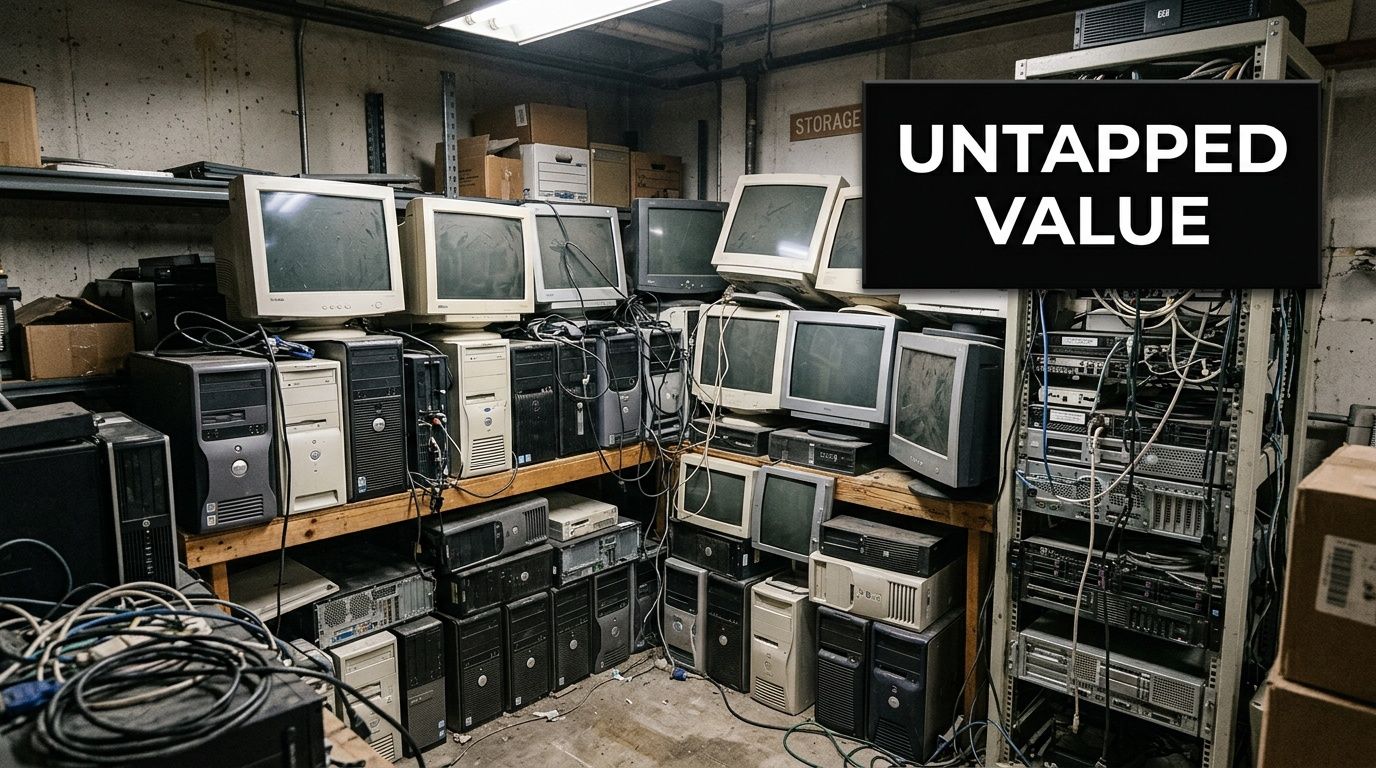
Existing Smyrna recycling options often leave businesses exposed. Public drop-offs exist, but they lack certified data destruction for regulated industries. EPA data cited in local market coverage suggests up to 70% of improperly disposed e-waste in metro areas like Atlanta poses a data breach risk (Beyond Surplus on Smyrna computer and electronics recycling).
Where the local gap shows up
The risk usually appears in ordinary situations:
- Office cleanouts: Staff stack old PCs in a back room with no formal asset log.
- Healthcare refreshes: Retired endpoints may still contain protected information.
- School and government surplus: Devices need a traceable handoff, not an informal drop-off run.
- Data center work: Bulk equipment removal requires labor, transport planning, and secure handling.
The local public option has real value, especially for residents. But business users usually need more than a place to unload equipment. They need a workflow.
A practical way to think about it is this. Recycling is the final step. ITAD starts much earlier.
Practical rule: If your device ever stored company data, your project is not a recycling project first. It’s a custody and destruction project first.
That’s why many Smyrna organizations end up looking beyond municipal options and into structured business programs such as electronics recycling services in Atlanta. The main difference isn’t marketing language. It’s whether the provider can take responsibility from pickup through final documentation.
Why this matters beyond compliance
There’s another trade-off that gets overlooked. If recycling is treated as a chore, employees want it done fast and forgotten. If it’s framed as part of the company’s values, participation gets easier.
That’s where cause-based recycling stands apart. Old tech doesn’t have to disappear into an anonymous waste stream. A mission-driven program can connect retired equipment to veteran support and tree planting, turning a necessary disposal process into a visible community and environmental action.
That changes the conversation inside a company. You’re not just clearing a storeroom. You’re showing that operational discipline and social impact can move together.
Identifying Your Recyclable Assets A Corporate Checklist
Before pickup is scheduled, the most useful thing an organization can do is build a clean asset picture. Not a perfect spreadsheet. A usable one.
The reason is simple. The quality of your inventory shapes everything that follows, from labor planning to secure handling to final reporting. Businesses searching for electronics recycling Smyrna often underestimate how much equipment is sitting outside the server room.
The Smyrna Recycling Center is a valuable community resource, but it’s a self-service facility with fees for items like TVs and it isn’t equipped for certified B2B data destruction or bulk corporate pickups. It operates on specific hours, including Tuesday, Wednesday, and Friday from 8:00am to 4:00pm, Thursday from 10:00am to 6:00pm, and Saturday from 8:00am to 4:00pm, with presorting required (City of Smyrna Recycling Center details). That model works for residents. It doesn’t scale well for office refreshes or decommissioning projects.
Start with the equipment that usually gets missed
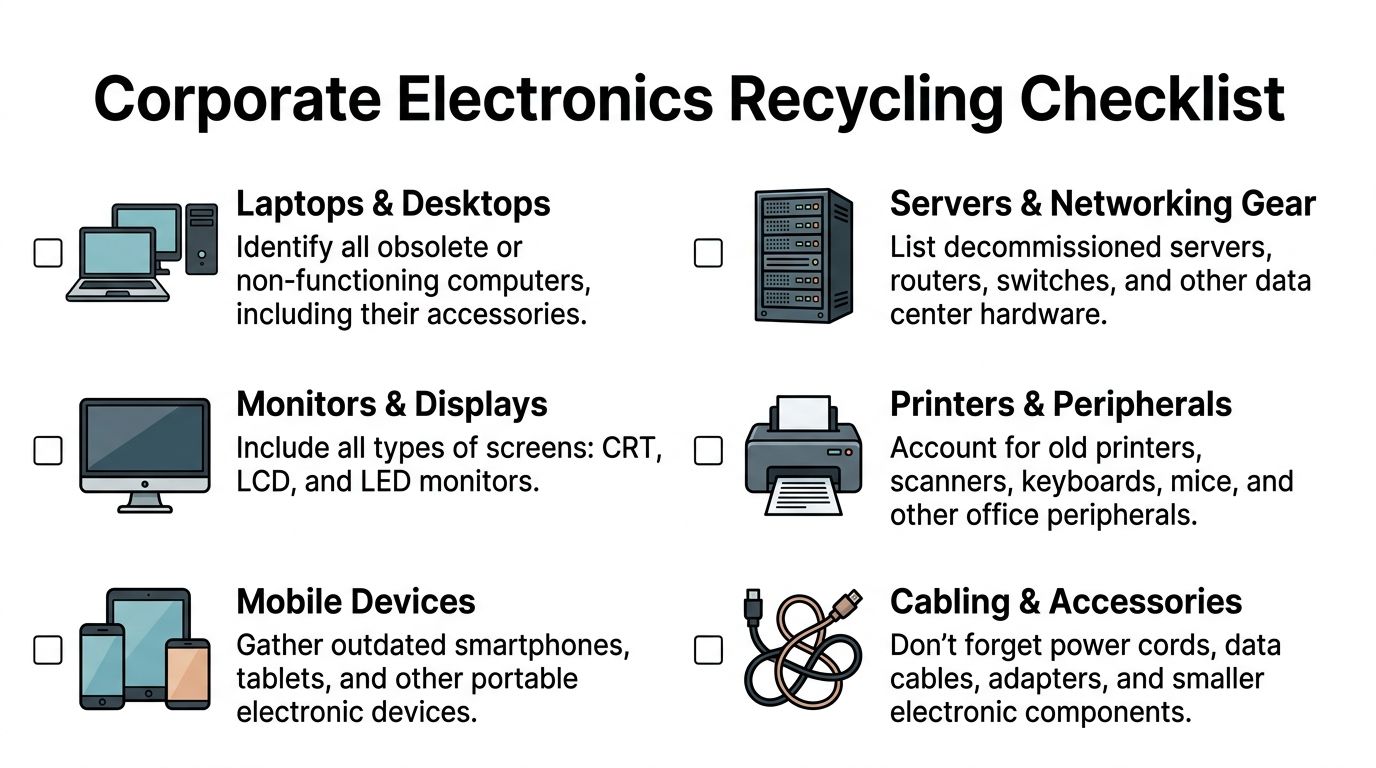
Many companies remember the laptops and forget everything around them. A strong inventory captures whole environments, not just flagship devices.
Core IT assets
Laptops and desktops
Include docking stations, power supplies, and any assigned accessories. These devices often carry the highest concentration of user data and should never be treated like ordinary scrap.Servers and storage hardware
Rack servers, tower servers, SAN units, backup appliances, and attached media need special handling because they combine weight, complexity, and high data sensitivity.Networking gear
Switches, routers, firewalls, access points, and telecom hardware are easy to overlook during office moves. They still belong in the asset record.
Office and departmental electronics
Monitors and displays
Gather LCD, LED, and legacy screens. Monitors don’t create the same data concerns as storage media, but they still need proper downstream processing.Printers and multifunction devices
These often contain internal storage and configuration data. Treat them as information-bearing devices unless confirmed otherwise.Phones and mobile equipment
Smartphones, tablets, handheld scanners, and spare devices from field teams or sales teams should be collected centrally instead of being left in drawers.
Build your checklist by location, not by department
This is what works in practice. Walk the building by physical zone.
| Area | Typical assets to check |
|---|---|
| Server room | servers, switches, rails, PDUs, loose drives |
| IT closet | routers, access points, batteries, patch gear |
| Workstations | desktops, laptops, monitors, docks |
| Storage rooms | boxed peripherals, legacy devices, cables |
| Print areas | printers, copiers, toner-adjacent electronics |
| Reception and conference rooms | displays, mini PCs, tablets, AV gear |
That approach catches more equipment than waiting on departmental replies.
Don’t ask, “What are you sending out?” Ask, “What electronics are physically in this room?”
What to separate before pickup
A quick pre-sort saves time later.
- Data-bearing media: hard drives, SSDs, servers, laptops, copiers.
- Redeployable equipment: assets you may want held for internal review.
- Broken or incomplete devices: useful for labor planning.
- Loose accessories: cables, adapters, chargers, keyboards, mice.
If you need a structured business process rather than a resident-style drop-off, it helps to review a formal IT asset disposal workflow before scheduling.
Why this checklist matters
Inventory isn’t paperwork for its own sake. It determines whether your recycler arrives prepared, whether chain of custody starts cleanly, and whether your internal team can answer questions later from compliance, finance, or sustainability staff.
It also changes how people see end-of-life hardware. Once assets are cataloged, they stop being junk. They become managed materials with security, environmental, and reporting value.
Your Guide to a Seamless and Secure Pickup Process
Most companies don’t struggle with the idea of recycling. They struggle with the interruption. They can’t spare IT staff for an all-day loading project. They don’t want equipment staged in hallways for a week. They don’t want confusion over who signed for what.
That’s why pickup process matters as much as downstream recycling.
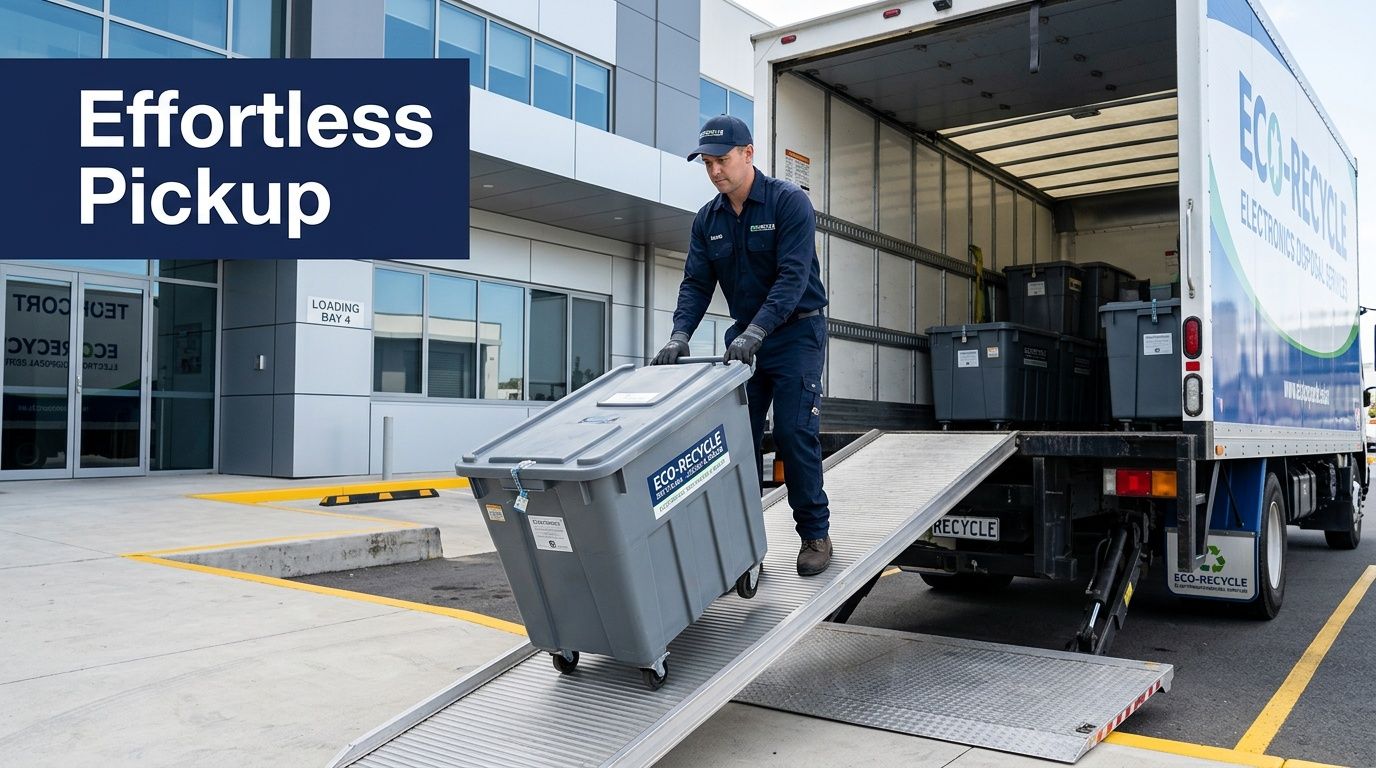
What a clean pickup looks like
A smooth job usually follows this sequence.
1. Scope the project before a truck shows up
The first conversation should define the basics:
- pickup address and site access
- device categories
- whether equipment is boxed, stacked, or still installed
- whether there are docks, elevators, stairs, or restricted areas
- whether the project includes loose hard drives or full system removal
For larger jobs, free pickup of 50+ devices works well as the threshold for a company recycling drive. That gives office managers an easy internal call to action. Collect everything first. Move it once.
2. Build the asset list to match reality
A rough count is better than a guess, but the strongest jobs use a working inventory. Teams should tag what’s coming out, identify any items that need separate handling, and flag assets still in production by mistake.
Many delays frequently occur. Someone says “about thirty machines,” and the crew finds a server room, two printer alcoves, and several carts of peripherals. A short pre-pickup walkthrough prevents that.
3. Set chain of custody at the handoff point
Once equipment starts moving, accountability has to be clear. Devices should be tracked from the pickup point, not from some later warehouse step.
For data-bearing assets, that means each item or lot is tied to the pickup record. If your team can’t tell an auditor when custody transferred, the process is weak no matter how good the downstream recycling is.
The safest pickup is boring. No improvising, no mixed piles, no unlabeled drives in a cardboard box.
Logistics that reduce disruption
Business pickups succeed when the operational details are handled well.
Access and timing
Route planning matters more than people think, especially for multi-site pickups or office parks with narrow delivery windows. If you want a quick primer on how dispatch teams reduce wasted drive time and missed windows, this overview of route optimization techniques is useful background.
For the client, the visible result is simpler. Trucks arrive when expected, labor is matched to the job, and equipment doesn’t sit exposed longer than necessary.
Loading conditions
Not every Smyrna site has a simple dock setup. Some jobs involve freight elevators. Others require interior carting from several floors. Some industrial and healthcare locations need tightly controlled paths of travel.
A site with dock access speeds everything up, but teams also need a plan for locations that don’t have ideal loading infrastructure. That’s why it helps to confirm details like dock height, receiving hours, and pallet movement in advance. If your building team needs to coordinate access, use the same language they use around loading dock operations.
The handoff most IT managers want
What most IT managers want is straightforward:
| Need | What the process should provide |
|---|---|
| Minimal staff time | Crew handles lifting, packing, and removal |
| Predictable scheduling | Clear arrival window and site plan |
| Security | Documented custody from pickup |
| Less office disruption | Fast staging and removal |
| Clean internal communication | One point of contact and simple preparation steps |
That’s the standard a B2B recycler should meet.
One business option in the area is Atlanta Green Recycling, which handles bulk IT equipment removal, onsite de-installation and packing, and transport with its own fleet for organizations that need a turnkey workflow. That kind of model fits projects where equipment can’t be dropped at a public center.
What doesn’t work
Some methods create avoidable risk:
- Ad hoc staff drop-offs leave too much ambiguity about custody.
- Weekend cleanout piles invite mixing of scrap and data-bearing devices.
- No presort at all slows loading and increases errors.
- Waiting until move day turns recycling into a crisis task.
A secure pickup should feel organized before it begins. If the plan depends on last-minute sorting in the parking lot, it’s already off track.
Ensuring Absolute Data Destruction and Compliance
For a business, the hardest part of electronics recycling isn’t the recycling. It’s proving that no recoverable data left with the equipment.
That’s where many local options fall short. They may accept devices. They may even say they destroy data. But a compliance-minded organization needs the method, the documentation, and the reason that method fits the asset type.
What compliant destruction actually includes
A secure workflow starts with asset inventory and auditing. Each device is tagged with a unique ID through barcode-based tracking so the chain of custody isn’t based on memory or handwritten notes.
After that, the method depends on whether the media is functional.
Functional drives
For working media, the sanitization process follows DoD 5220.22-M. That’s a multi-pass overwriting standard used to make retained data unrecoverable.
The workflow includes:
- Inventory and audit of HDDs, SSDs, servers, and related devices.
- Onsite or offsite wiping with NIST-approved software such as DBAN or Blancco.
- Three to seven passes, where the first pass writes zeros, the second writes complementary ones, and later passes write pseudorandom data.
- Verification checks with bit-for-bit read-back validation to confirm complete coverage.
For organizations handling regulated information, this is the difference between “we deleted it” and “we can defend the sanitization process.”
When wiping is not enough
Some media can’t or shouldn’t be wiped.
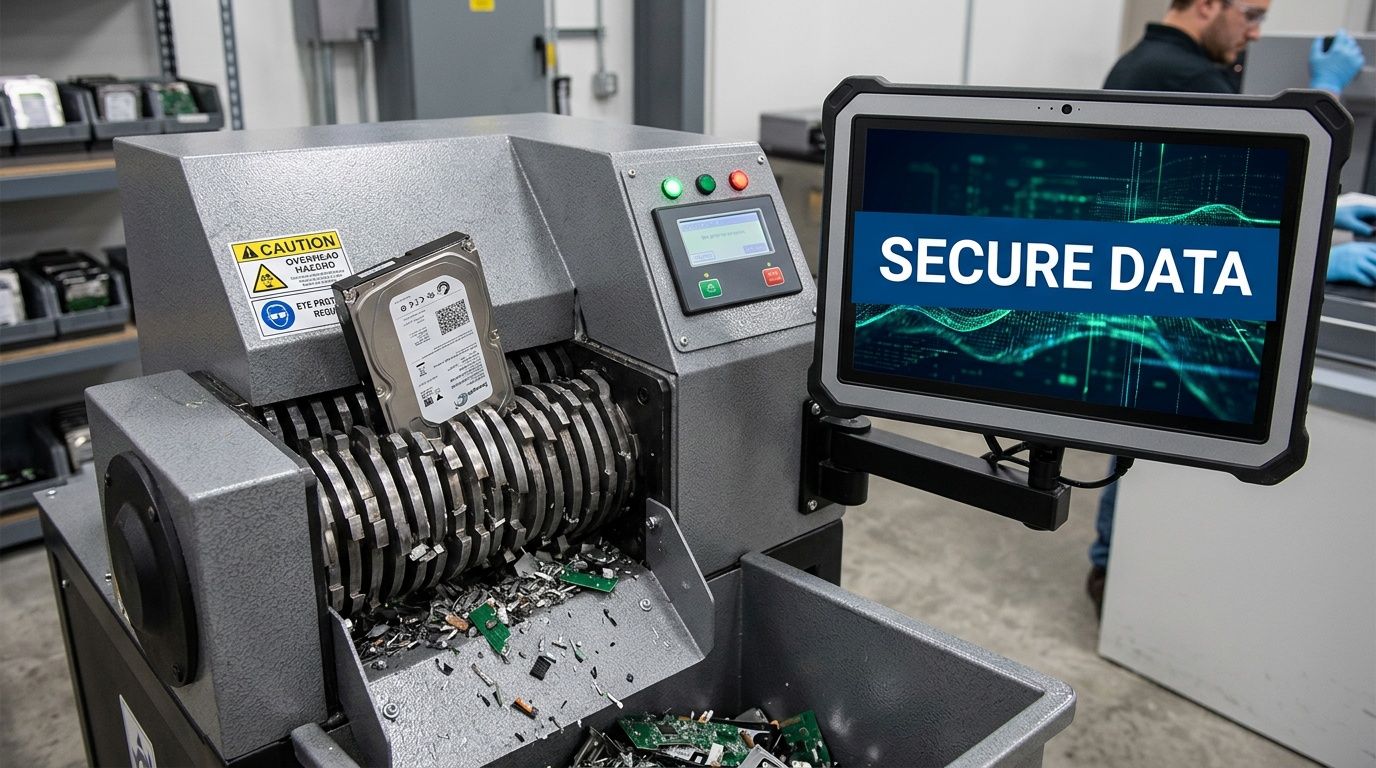
That includes failed drives, obsolete media, and any storage device with damage that prevents full overwrite verification. In those cases, physical shredding is the right path.
The destruction process uses industrial shredders. The reference workflow allows for 1/4-inch cross-cut or NSA-approved Level 3/4 particle size below 2mm², reducing drives to unrecoverable fragments (Florida DEP recycling report reference).
If a drive can’t complete a verified wipe, it shouldn’t be treated like a wipe candidate. It should move straight to destruction.
The same reference notes that a DoD-based wiping process, paired with shredding for non-functional media, achieves data irrecoverability exceeding 99.9% under NIST SP 800-88 guidelines, a critical benchmark for HIPAA-aligned handling.
SSDs, hybrid protocols, and real trade-offs
Solid-state drives are where a lot of casual recycling advice breaks down. SSD behavior isn’t identical to legacy HDD behavior, especially when TRIM and firmware-level behavior complicate overwrite assumptions.
The benchmarked workflow notes a common pitfall. Incomplete wiping on SSDs can leave residual data risk if ATA Secure Erase or a hybrid approach isn’t used. That’s why stronger programs don’t rely on one method for every device type.
A practical decision table looks like this:
| Asset condition | Preferred action |
|---|---|
| Functional HDD | verified multi-pass wiping |
| Functional SSD | secure erase or controlled hybrid method |
| Failed drive | physical shredding |
| Unknown condition | evaluate, then wipe or shred based on verifiability |
That approach is more realistic than forcing every device through the same lane.
Compliance isn’t only about the destruction event
A lot of companies focus on the dramatic part, the shredder. But regulators and auditors often care just as much about everything around it.
Documentation matters
A strong process should produce:
- Serialized records tied to inventoried assets
- Chain-of-custody documentation from transfer through processing
- Certificates of Data Destruction for compliance files
- Audit-ready reporting that shows what happened to each category of media
Without that record, even a real destruction event can be hard to prove later.
Sorting mistakes create security mistakes
The same benchmark data flags single-stream contamination as a major operational pitfall, with 20% to 30% rejection rates in downstream sorting and broader U.S. recycling losses tied to improper sorting. For IT managers, the lesson is practical. Mixed loads create process failures.
Don’t combine office scrap, batteries, drives, and general e-waste into one anonymous stream if you expect audit-grade results.
If your organization needs a process built around both sanitization and proof, it helps to review what a formal secure destruction of data service should include before approving a vendor.
What regulated organizations should ask
Healthcare, legal, education, and government teams should ask direct questions:
- What sanitization standard is used on functional drives?
- How are failed drives handled?
- How is custody documented from pickup?
- What verification is performed after wiping?
- What certificate or report is issued at completion?
Those questions usually reveal the difference between general electronics handling and a compliance-capable ITAD process.
Turning E-Waste into Your Company's ESG Story
Most companies already understand the defensive case for proper disposal. Protect the data. Remove the clutter. Stay compliant.
The stronger opportunity is on offense. A well-run recycling program can support your environmental reporting, your employee culture, and your community story at the same time.
The environmental case is stronger than many teams realize
A certified process matters because it determines what is recovered from retired equipment. In a benchmarked hard drive decommissioning workflow, R2/RIOS certified processing achieves 98% to 99% material recovery rates, and recycling hard drives saves approximately 80% of the energy required for virgin production. The same benchmark notes that recycling every 100,000 units is equivalent to saving 250,000 gallons of oil (remanufactured cartridges authority content PDF).
Those figures matter because ESG reporting often gets stuck in vague language. This gives sustainability teams something more concrete to work with when they describe why device recovery beats landfill disposal.
A better internal story for employees and stakeholders
In this context, cause-based recycling changes the tone.
“Recycle for a Cause” is stronger than “schedule a pickup.” The first message connects action to meaning. Your retired equipment doesn’t just leave the building. It supports veteran aid and reforestation.
That dual mission works because it speaks to two different motivations inside a company:
- Operations teams want a process that’s disciplined and low-friction.
- Leadership and HR teams want programs people are proud to participate in.
- ESG and CSR teams want visible outcomes they can include in internal and external reporting.
Old tech can do more than clear space. It can help a company show what responsible operations look like in public.
How to make the impact visible
A recycling program becomes much more useful when the outputs are reportable.
Consider building your internal and external materials around assets like these:
- Plant-a-tree certificates for sustainability files and campaign follow-up
- Veteran support impact reports for CSR documentation
- A Recycled with Purpose badge for websites, recruiting pages, and supplier responsibility materials
- Seasonal drives around Veterans Day, Earth Day, and Arbor Day to create momentum
This is also why the mission should appear before and after the pickup. Before the event, it drives participation. After the event, it becomes proof that the company did something meaningful with its retired assets.
Practical uses for marketing and recruiting
A mission-based recycling program fits more places than many firms expect.
| Team | Use case |
|---|---|
| ESG | annual sustainability reporting |
| HR | employee engagement and volunteer culture |
| Marketing | community and impact storytelling |
| Procurement | supplier responsibility narratives |
| Leadership | local goodwill and brand positioning |
If your team is trying to connect operational work with a stronger sustainability message, a resource on the benefits of e-waste recycling can help frame the program in business terms rather than generic green language.
The practical lesson is simple. When electronics recycling is handled with discipline and paired with a credible social mission, it stops looking like disposal. It starts looking like leadership.
How Smyrna Organizations Win with Responsible Recycling
The value of responsible recycling gets clearer when you look at how different organizations use it. The details change by industry, but the pattern is consistent. The projects that go well are the ones that treat retired electronics as a managed transition, not as leftover junk.
A clinic clearing out patient-facing devices
A Smyrna-area healthcare clinic had a mix of aging front-desk computers, exam room workstations, and older multifunction devices. Their problem wasn’t finding a place that would accept electronics. Their problem was proving that patient-related data wouldn’t follow those devices out the door.
The clinic’s internal team separated active devices from retired ones, identified anything with storage, and required formal documentation for the handoff. That changed the project immediately. Instead of debating whether devices had been “reset,” they focused on custody, destruction method, and certificate retention.
The result was a cleaner compliance file and less uncertainty for administrators preparing for future reviews.
A tech company after a cloud migration
A growing company near the Cumberland area had finished moving workloads to the cloud. What remained was a familiar mess. De-racked servers, loose drives, shelves of network hardware, and monitors from a previous office layout.
Their challenge was speed without chaos. They needed the server equipment removed, but they also wanted to use the project in recruiting and sustainability messaging. The solution was to run the job as both an ITAD event and an internal impact campaign.
That gave them two wins. Operations got a cleaner facility and documented disposition. Leadership got a usable story about responsible recycling, community support, and environmental follow-through.
The companies that get the most value from electronics recycling don’t hide it. They document it and reuse the story.
A law firm that turned cleanup into engagement
A small law firm had accumulated personal devices from staff cleanouts along with office electronics that had been retired over several years. Instead of handling those items in separate, informal batches, they organized a single “Recycle for a Cause” collection effort.
That choice did two things. It made participation easier for employees, and it gave the firm a simple community-facing message. Staff understood why the event mattered, and leadership could talk about the project as more than a back-office cleanup.
The strongest outcome wasn’t technical. It was cultural. Employees saw secure recycling as part of how the firm operates, not as one more forgotten facilities task.
What these examples have in common
Each organization had different assets and different pressures, but the successful approach looked similar:
- They inventoried before moving equipment
- They separated data-bearing assets from general electronics
- They required documentation
- They connected the project to a larger company goal
That last point matters. Compliance gets the project approved. Meaning gets people engaged.
For Smyrna organizations, responsible electronics recycling works best when it satisfies both. It protects information, clears space, supports environmental goals, and gives the company a credible local story to tell.
Start Recycling with Purpose Today
For most organizations, the hard part isn’t deciding that old electronics need to go. It’s finding a process that handles security, logistics, and reporting without turning the project into a drain on staff time.
That’s the standard for electronics recycling Smyrna. Not just whether a recycler accepts the equipment, but whether the process holds up when IT, compliance, facilities, and leadership all ask different questions.
What a strong program should give you
A business-ready recycling program should leave you with more than an empty storage room.
- Secure handling: retired assets move through a documented chain of custody
- Defensible destruction: media is wiped or shredded according to the device condition
- Operational relief: pickups and removals don’t consume your internal team
- ESG value: the project contributes to sustainability and community narratives
- Proof: certificates and reports are available when someone asks later
Common questions from Smyrna businesses
What about costs for a small business
That depends on the equipment mix, handling requirements, and whether the project involves pickup, de-installation, or special media destruction. The useful first step is to request a scope review instead of assuming every load is priced the same way.
How quickly can a large decommissioning be scheduled
Timing depends on site access, asset volume, and whether equipment is still installed. Projects move faster when the inventory is prepared early and the loading conditions are confirmed before scheduling.
Can employee personal electronics be included in a company event
Yes, if the recycler’s program allows for a structured collection event. Many organizations use internal drives to combine office asset cleanup with employee engagement around sustainability and community impact.
Do we need to pull hard drives first
Not always. That depends on your internal policy and the recycler’s documented destruction workflow. Many organizations prefer to keep drives inside systems until they enter a tracked custody process.
The bigger point is simple. You don’t have to choose between protecting data, reducing waste, and doing something meaningful for the community. A well-run recycling program can do all three at once.
If your organization is planning a device refresh, office move, storage room cleanout, or full IT decommissioning, Atlanta Green Recycling is one place to start the conversation. The goal is simple. Make disposition secure, manageable, and worth talking about long after the equipment leaves the building.