
Network Cabling Services Dallas: A Manager’s Guide

If you're pricing out network cabling services dallas, you're probably already feeling the usual pressure. Leadership wants a firm budget. The move date or renovation deadline is fixed. The ISP handoff, Wi-Fi rollout, phones, cameras, and workstation drops all depend on the cabling being done correctly the first time.
The approach to cabling determines whether projects stay controlled or start drifting. A clean cabling build-out isn't just about pulling wire. It encompasses scope definition, vendor coordination, pathway planning, testing, labeling, and a handoff package your IT team can readily use six months later.
In Dallas, that matters even more because many projects involve multi-floor offices, mixed-use buildings, warehouses, clinics, and fast-moving tenant improvements. A good project manager treats cabling as infrastructure, not an afterthought.
Defining Your Project Scope and Cabling Needs
Most budget overruns start before the first cable is ordered. They start when the scope is vague.
If your bid request says “about 60 drops for a new office,” expect change orders. If it says exactly where the drops go, what devices they support, which closets they home-run to, and what has to be tested and labeled, you'll get tighter pricing and fewer surprises.
Start with devices, not desks
A lot of managers count people and stop there. That misses half the actual workload.
Build your scope around every endpoint the building needs:
- User stations: desktops, docks, VoIP phones, shared touchdown areas
- Shared equipment: printers, copiers, conference room systems, digital signage
- Wireless infrastructure: ceiling-mounted access points and their cable paths
- Security systems: cameras, badge readers, control panels
- Operational gear: point-of-sale devices, time clocks, specialty equipment, building tech interfaces
If a location may need a drop later, mark it now. It's cheaper to account for growth during design than to reopen ceilings after occupancy.
Define the network rooms early
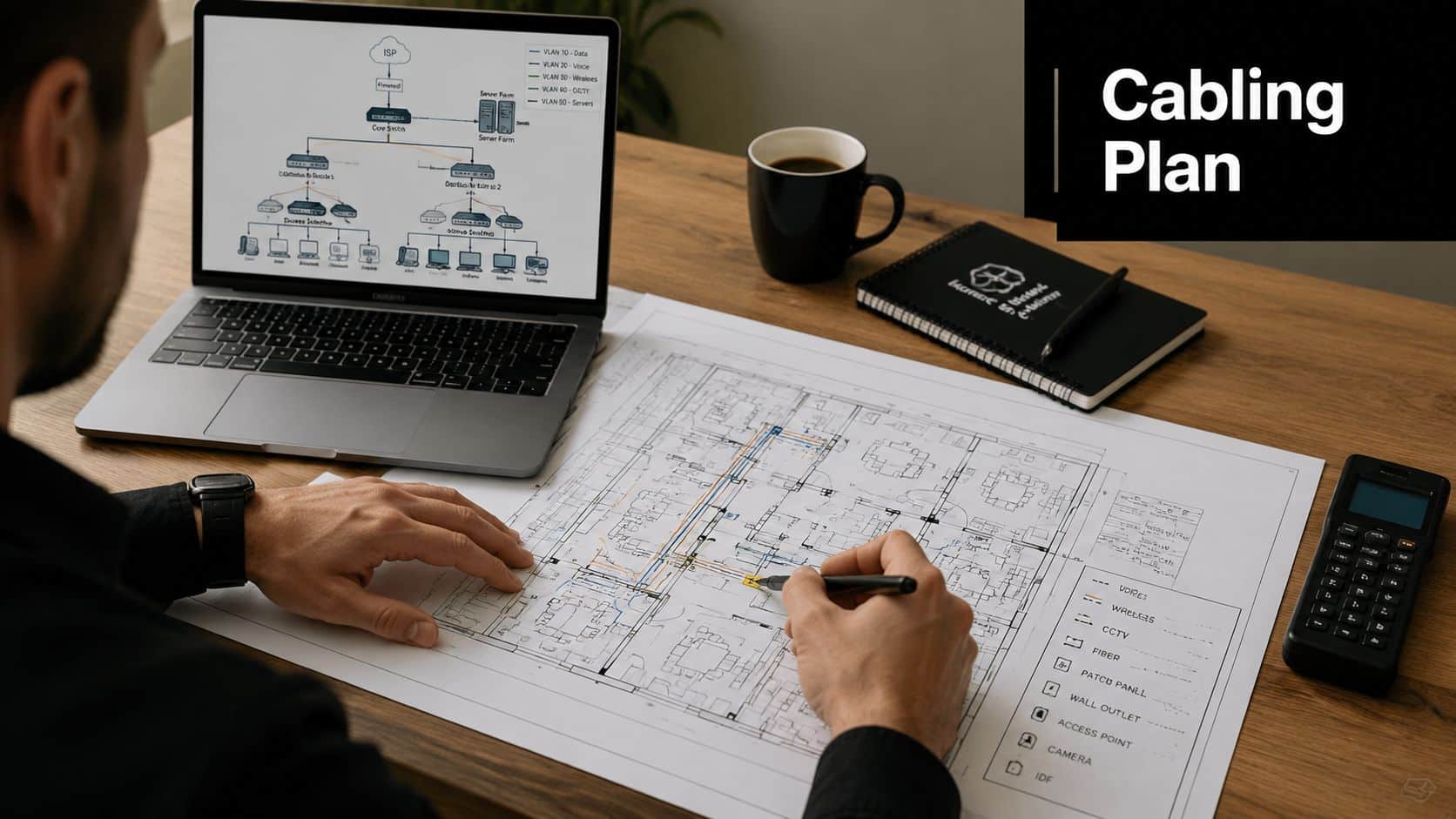
Every successful build starts with a clear telecom layout. Pick the main room, any IDF locations, rack positions, patch panel capacity, ladder rack or tray routes, and where your service provider handoff lands.
That physical plan affects everything from labor time to cable category selection. It also shapes future maintenance. Teams responsible for strengthening business IT infrastructure usually learn quickly that cabling mistakes don't stay hidden. They show up later as harder troubleshooting, poor change control, and expansion headaches.
For businesses that need planning support before installation, a Dallas telecom consulting resource can help translate business requirements into a usable low-voltage scope.
Practical rule: If you can't mark it on a floor plan, the installer can't price it accurately.
Watch the two design mistakes that keep causing rework
Cable routes need discipline. Industry installation guidance says to avoid running data cable parallel to electrical wiring, and where crossings are necessary, use 90-degree crossings to reduce interference and crosstalk. The same guidance also calls out the 100-meter maximum for Ethernet copper runs, so distance planning has to happen before field work starts, not after network cable installation guidance.
That has practical consequences in Dallas buildings with long hallways, warehouse spans, and retrofitted office suites. A closet in the wrong place can force bad decisions later.
Use this short pre-bid checklist:
- Lock floor plans: mark every outlet, AP, camera, printer, and conference room endpoint.
- Name each room consistently: don't let “North Office 2” become “Mgr Office B” on another sheet.
- Separate must-have work from alternates: expansion drops, spare fibers, and future areas should be listed separately.
- Call out special conditions: exposed ceilings, active offices, after-hours work, secure areas, or occupied medical spaces.
A complete scope gives you an advantage. It also gives your vendor less room to guess.
Choosing the Right Cable for Your Dallas Business
A Dallas office build-out can go sideways fast at this stage. The floor plan is approved, furniture is on order, and someone decides every drop should be Cat6A "just to be safe," or every uplink should stay copper because fiber sounds expensive. Both calls can waste money if they are made before anyone looks at pathway lengths, switch locations, wireless density, and how long the tenant plans to stay.
Cable selection should follow the operating plan for the site. In practice, that means matching the cable to the endpoint, the distance, and the cost of changing it later.
The practical comparison
Use the cable type that fits the job, not the one that sounds the most future-ready.
| Standard | Max Speed | Best For | Relative Cost |
|---|---|---|---|
| Cat6 | Higher-speed office networking for standard copper runs | General offices, phones, workstations, printers, many Wi-Fi deployments | Lower |
| Cat6A | Higher-speed copper networking with stronger headroom for demanding environments | Dense offices, design teams, heavier data use, newer enterprise builds | Higher |
| Fiber | Long-distance and backbone connectivity | MDF to IDF links, data room backbones, buildings with longer pathway needs | Highest |
That table is the shortcut. The primary decision usually comes down to where the building creates risk.
When Cat6 is the right answer
Cat6 works well for many Dallas tenant offices. If the project is serving desks, VoIP phones, printers, standard conference rooms, and a typical Wi-Fi layout, Cat6 often gives the best return on the budget.
That matters in leased space. A company with a five-year term usually should not pay enterprise-backbone pricing for every workstation drop unless there is a clear workload need behind it. I have seen projects spend heavily on premium copper, then use the space like a standard office for the next several years.
Buy for known demand, plus a reasonable margin for growth.
Where Cat6A makes sense
Cat6A earns its cost where heat, density, or throughput are likely to expose the limits of a lighter design. That includes crowded ceiling spaces, heavier PoE loads, high-density wireless, production teams moving large files, and floors where reopening pathways later will be disruptive.
This is often a project management decision as much as a technical one. If the site has hard-lid ceilings, restricted work hours, or occupied clinical and executive areas, a second cable pull later can cost more than the original upgrade would have.
If the design includes longer uplinks between telecom rooms or building segments, plan the backbone at the same time as the horizontal cabling. That usually leads to a clearer discussion about fiber optic installation in Dallas for backbone and inter-closet runs.
Fiber belongs in the backbone plan
Fiber is usually the right choice between MDFs, IDFs, server rooms, and separate building areas where copper distance limits or future bandwidth growth become a problem. It is rarely the most cost-effective choice for every endpoint. It is often the smartest choice for the links that support all the endpoints.
That distinction matters in Dallas projects with long hallways, multi-suite layouts, warehouse office combinations, and campuses that grew in phases. A copper-only design can look cheaper on the first quote and become expensive once closet locations, uplink capacity, and future expansion are reviewed.
The best design for most businesses is mixed. Use copper to the desk and fiber for the backbone where distance, aggregation, and upgrade flexibility justify it. That keeps the build aligned with how the site will operate, which is what prevents avoidable change orders later.
Budgeting and Finding a Dallas Cabling Pro
A Dallas office build can stay on budget for weeks, then blow up in one vendor meeting. The usual cause is not cable price alone. It is a scope gap, a vague quote, or a contractor who can pull cable but cannot run a controlled rollout across an occupied site, a warehouse office, or a phased move.

Build the budget around scope, not just price per drop
Per-drop pricing is a screening tool. It is not a project budget.
As noted earlier, Dallas structured cabling quotes can swing hard based on site conditions and contract terms. A clean office with open access, standard business hours, and a simple closet layout prices very differently than a medical suite, a live warehouse, or a floor with restricted access and multiple trades competing for the same pathways. After-hours labor, permit requirements, patch panels, ladder rack, firestopping, labeling, testing, cleanup, and closeout documents all change the final number.
That is why I treat any low bid as a checklist exercise. I want to know what was excluded, what was assumed, and what triggers a change order. Cheap numbers usually hide somewhere in those three areas.
Write an RFP that forces apples-to-apples bids
If vendors are pricing different assumptions, the comparison is useless. A workable Dallas RFP should give each bidder the same operating picture and the same finish line.
Include these items:
- Business environment: occupied office, clinic, retail, warehouse, school, renovation, or new construction
- Device counts and locations: workstations, access points, cameras, conference rooms, printers, POS stations
- Pathway expectations: tray, conduit, J-hooks, exposed routing, concealed routing, core drilling, sleeve work
- Telecom room scope: racks, patch panels, grounding, cable management, UPS space, power readiness
- Testing and records: certification standard, labeling format, port maps, as-builts, warranty package
- Schedule controls: work windows, blackout dates, phased turnover, tenant rules, building access procedures
- Commercial rules: insurance, safety requirements, cleanup, invoicing milestones, approval process for adds and changes
Good vendors usually welcome that level of detail because it protects their margin and your budget.
Vet the firm like a project partner, not a day-rate crew
Dallas has plenty of companies that can terminate cable. Fewer can manage a project cleanly from kickoff through closeout.
A useful starting point is to review whether the contractor has a real local presence, defined service coverage, and an operating model that fits your job size. This overview of Dallas network cabling installation support is the kind of reference that helps confirm market presence and service expectations before you get deep into bid review.
Then ask questions that expose how the work is run:
- Who owns the job after the contract is signed? Get the name of the project manager and the field lead.
- How do they control changes? Verbal field approvals are where Dallas projects lose cost control.
- Who performs certification and how is it delivered? Test results should be part of closeout, not an extra you argue about later.
- How do they handle occupied-space work? Dust control, access rules, and user disruption matter in active offices and clinics.
- What does the closeout package include? You want labeled results, updated drawings, and panel maps.
One answer matters more than the sales pitch. If the firm cannot explain its labeling standard, testing workflow, escalation path, and change-order process in plain language, expect confusion once the job starts.
Budget for the work around the cabling, too
Dallas projects rarely fail on copper and fiber alone. They fail at the edges, where furniture, power, voice services, and move coordination were treated as someone else's problem.
If modular furniture is part of the build, review the guide to office cubicle power poles early. It helps clarify how workstation power paths can affect device placement, access, and final outlet locations. That is the kind of detail that prevents expensive rework after cable is already in place.
For broader coordination, some teams also tie the cabling scope to Dallas telecommunications project support so voice circuits, carrier handoffs, and infrastructure turnover are managed under one plan instead of being patched together late.
The goal is simple. Buy a complete job, not an attractive line item.
Preparing Your Site for a Smooth Installation
A Dallas cabling job can lose half a day before the first cable is pulled. The crew arrives, the MDF is still full of boxed furniture, ceiling access is blocked by another trade, and building management says the riser work needs an escort that no one scheduled. That is how schedules slip and change orders start.
Site prep is project management work, not housekeeping. If the room, pathway, and approvals are not ready, a good installer still ends up waiting.
Coordinate trades before the first pull
Low-voltage crews share space with electricians, HVAC techs, security installers, furniture teams, and the general contractor. In Dallas tenant improvements, those conflicts show up fast, especially in occupied offices and medical spaces where everyone is working on a tight window.
Set coordination points before install day:
- Electrical paths and power: confirm outlet locations, dedicated circuits, and separation between power and data
- Ceiling access: verify who owns tile removal, what duct or lighting work is still active, and which areas are off-limits
- Furniture sequencing: cubicles, millwork, and casegoods can block wall access, poke-throughs, and floor boxes
- Device coordination: cameras, badge readers, Wi-Fi APs, and data drops should be on one field-verified plan
- Closet readiness: racks, backboards, ladder rack, grounding, and power need to be in place before termination starts
Furniture layout drives more rework than many teams expect. If powered workstations or modular walls are part of the scope, review this guide to office cubicle power poles early. It helps teams catch conflicts between power feeds, workstation placement, and final data outlet locations before the cabling crew is on site.
Lock down building access and approvals
Permitting, landlord rules, and building procedures vary across Dallas, Irving, Plano, Richardson, and the rest of DFW. Some properties require after-hours work. Others control riser access, core drilling, loading dock times, badge escorts, or trash removal. High-rise buildings in Uptown and downtown often have stricter paperwork and narrower work windows than suburban office parks.
Do not leave those items to assumption. Assign responsibility for each approval in writing, including who schedules freight elevator time, who opens telecom rooms, and who signs off on noisy work. If your vendor says they will handle it, make sure the contract says the same thing.
Moves add another layer. If the project is tied to a relocation, coordinate the cabling schedule with office relocation services for Dallas business moves so old equipment removal, floor access, and cutover timing are managed under one plan instead of in separate last-minute calls.
Use a field-ready checklist
A short readiness check prevents a lot of expensive waiting. I use one because it forces decisions before the crew is standing in the hallway asking where the rack goes.
Confirm these items before day one:
- Access routes are open: hallways, telecom closets, ceiling hatches, and loading areas are clear
- The MDF and IDFs are usable: clean room, working lights, stable power, and enough wall or rack space for the install
- Existing cabling has a disposition: keep, relabel, remove, or abandon in place, based on building rules and project scope
- One on-site decision maker is available: someone can answer field questions without slowing the whole job
- Occupants know the schedule: staff should know when ceilings open, when noise starts, and which spaces are temporarily blocked
- Material staging is planned: cable, racks, and hardware need a secure drop point so technicians are not hunting for parts across the building
Crews move faster when the site is ready. That sounds obvious, but in Dallas fit-outs and office refreshes, that discipline is what separates a clean install from a project that burns time on avoidable stops.
Finalizing Your Project with Certification and Documentation
A cabling project isn't finished when the wall plates are on and the link lights come up. That's only the visible part.
The handoff determines whether your IT team inherits a manageable system or a future troubleshooting mess. This is the stage many buyers underweight, and it's where disciplined vendors separate themselves from fast installers.
Certification isn't optional
Every run should be tested and documented. Not spot-checked. Not “most of them passed.” Every run.
Professional installation guidance stresses that labeling both ends, documenting patch-panel maps, and performing certification tests are critical post-installation practices, and that messy installs and missing documentation drive heat issues, troubleshooting delays, and avoidable signal faults in dense office environments, as described in this network cabling installation guide.
Ask for the actual deliverables, not a verbal summary:
- Certification results for each drop
- Patch panel to outlet mapping
- Labeling legend and naming convention
- Marked-up or final as-built drawings
- Open issues list, if anything is pending
If a vendor says that level of documentation is extra, decide carefully before accepting that shortcut. You'll pay for it later during moves, adds, or outage response.
Labeling needs to make sense to someone new
The naming convention should work for the next IT manager, not just the installer who remembers the job. Labels should be readable, consistent, and tied directly to room names and patch panel positions.
Good examples are structured and boring. That's what you want. Chaos usually starts when one closet is labeled by room number, another by furniture station, and a third by whatever the field team wrote that day.
Clean documentation turns a future service call into a lookup task instead of a guessing exercise above a ceiling tile.
Close out the physical side too
Final walkthroughs should check more than connectivity. Look at rack organization, cable management, patch cord routing, spare capacity, and whether abandoned material was left behind.
If the project also involved equipment retirement or media disposal, closeout paperwork matters there too. In organizations with compliance obligations, teams often keep destruction and disposition records alongside infrastructure documents. A practical example is using a certificate of destruction template when retired hardware or storage media is removed as part of the broader project workflow.
A professionally managed handoff saves time every time the environment changes. That's the primary return on doing closeout properly.
Frequently Asked Questions About Dallas Cabling Projects
A Dallas cabling job can look finished on install day and still create problems a month later. The usual trouble shows up during cleanup, growth, and handoff. These are the questions I hear most from office managers, IT leads, and project owners trying to avoid a second round of cost.
Should I ask about disposal of old cable and equipment
Yes. Put it in writing before work starts.
During office renovations, refreshes, and decommissions, removed cable, racks, patch panels, and retired electronics stack up fast. If the cabling vendor is handling tear-out, ask who owns removal, what gets recycled or salvaged, what gets hauled off, and what documentation you will receive at closeout. If they do not provide that service, assign it to a separate vendor early so old material does not sit in a closet or become a landlord dispute after move-out.
If retired hardware or storage media is part of the job, Atlanta Green Recycling is one option for end-of-life electronics handling, secure data destruction, and de-installation-related disposition workflows.
How much future-proofing is enough
Plan for likely growth, not every possible future.
In Dallas, I usually see the best value in reserving pathway space, leaving rack capacity, and identifying expansion areas before walls close up. That keeps the next phase manageable without paying for unused drops everywhere. Extra backbone capacity and clean telecom room layout usually return more value than overbuilding every workstation on day one.
The right answer depends on lease term, headcount plans, and whether the site supports high-density Wi-Fi, cameras, access control, or additional ISP circuits.
Do I need one vendor for everything
Only if one firm can manage the whole scope well.
Some DFW projects run better with separate specialists for structured cabling, carrier coordination, security, and low-voltage permitting. Others benefit from one lead vendor who owns schedule, site access, subcontractor coordination, and punch-list cleanup. The trade-off is control versus management overhead. If your internal team has time to run weekly coordination and resolve field conflicts quickly, multiple vendors can work. If not, a single accountable project lead usually reduces delays and finger-pointing.
What should I keep after project closeout
Keep more than the invoice.
Your final package should include test results, as-builts, labeling standards, outlet-to-panel maps, approved change orders, warranty information, and records tied to removed equipment if de-installation was part of the job. Store it where IT operations can reach it without digging through an old PM's mailbox. Good records cut service time during moves, adds, and outage response.
Will my Dallas project need permits or building approval
Sometimes yes, and that question should be settled before the crew arrives.
Requirements vary by building, municipality, and scope. New pathways, penetrations, firestopping, exterior work, and IDF or MDF modifications often trigger building review or landlord approval. In multi-tenant offices around Dallas, Addison, Plano, Irving, and Las Colinas, building management may have its own rules for after-hours access, riser use, insurance certificates, and approved contractors. Miss one of those steps and the install can stall even when materials are on site.
How long does a cabling project usually take
The field work is only part of the schedule.
A small office add can move quickly. A full floor build-out or multi-suite Dallas project takes longer because procurement, building access, permit review, coordination with electricians or furniture installers, and final testing all affect the timeline. The safest approach is to build the schedule around access dates, material lead times, and turnover milestones, then hold vendors to those dates in writing.