
Secure Free Business Electronics Pickup Atlanta GA

An Atlanta office move, hardware refresh, or storage room cleanup usually reveals the same problem. Old laptops are stacked in cabinets, monitors are lined against a wall, dead printers are gathering dust, and nobody wants to be the person who guesses how to dispose of them safely.
For most IT managers and office administrators, the hard part isn’t recognizing the clutter. It’s balancing three competing priorities at once: keeping data secure, keeping the process simple, and making sure the business doesn’t create more environmental risk while trying to solve an operational one. That’s why Free Business Electronics Pickup Atlanta GA matters. When it’s handled well, it clears space, reduces internal friction, and gives a company a credible sustainability story it can use.
Turning Your Atlanta Office E-Waste Into Opportunity
A familiar scene plays out in offices across Midtown, Buckhead, Alpharetta, and the wider metro area. An IT manager starts with a simple task like replacing a few aging desktops. A few months later, the “temporary” pile becomes a room full of retired laptops, docking stations, cords, switches, and servers that nobody has touched since the migration.
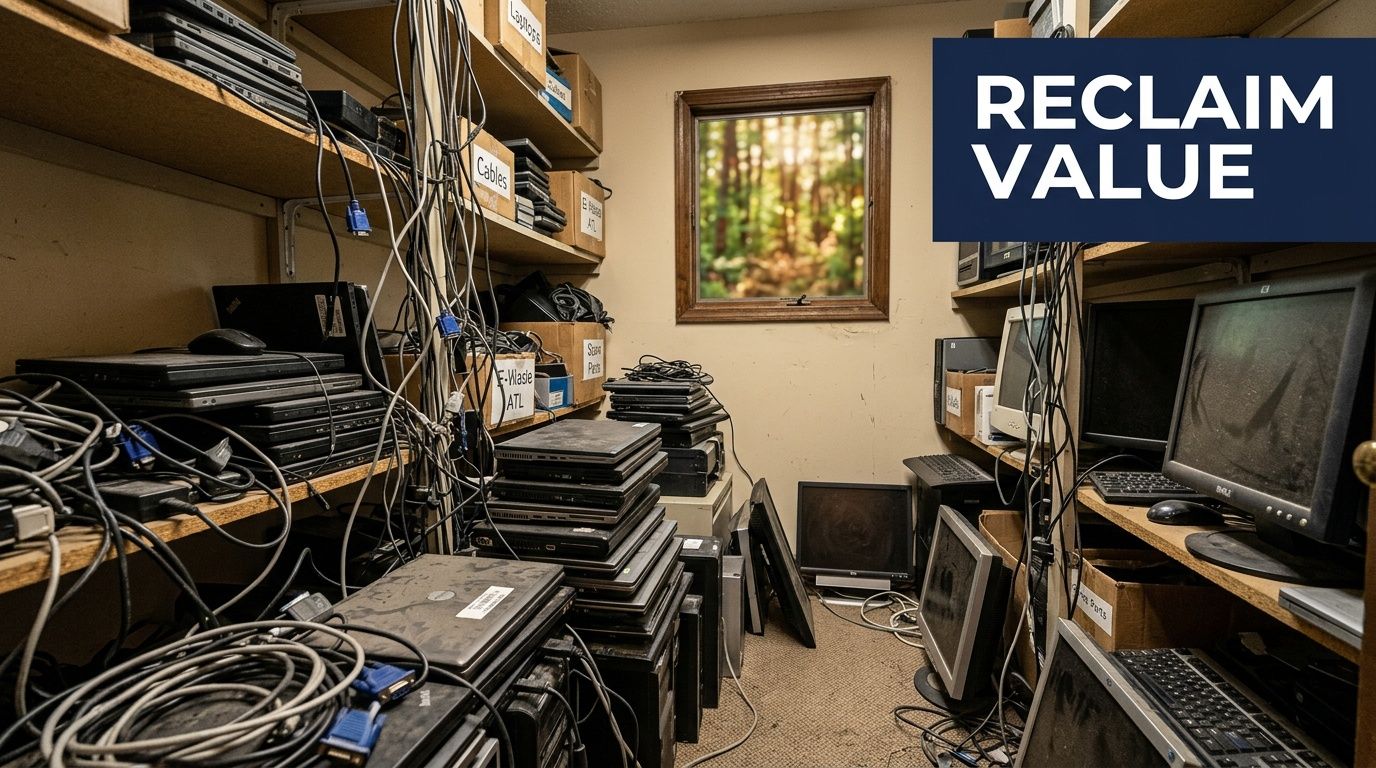
That pile isn’t just ugly. It creates avoidable exposure. Data-bearing devices sit untracked, facilities teams lose usable space, and the company delays a decision because disposal feels more complicated than it should be. At the same time, the broader waste stream keeps growing. In 2022, the world generated 62 million tonnes of electronic waste, and that volume is projected to rise 33% to 82 million tonnes by 2030, according to Atlanta Computer Recycling’s overview of free pickup demand.
Why the closet full of old tech matters
The practical risk starts with uncertainty. If a company doesn’t know what equipment it still has, where it’s stored, or whether drives were sanitized, it cannot confirm those assets are under control. That’s especially important in Atlanta businesses with distributed offices, hybrid teams, or frequent employee turnover.
There’s also a missed opportunity hiding in that mess. Retired business electronics can support a stronger internal sustainability program when disposal is tied to a real operational workflow instead of a once-a-year purge. That’s one reason many organizations build electronics recycling into office moves, refresh cycles, and decommissioning plans rather than waiting for storage to overflow.
Practical rule: If devices have been sitting untouched long enough that nobody is sure who owns them, it’s time to formalize pickup and disposition.
For local companies, a service built around Atlanta business electronics recycling support turns a clutter problem into a managed process. The strongest programs also make the outcome meaningful beyond compliance.
Why purpose improves participation
Employees respond better when the company can explain not just what’s being removed, but what that action supports. A cause-based model gives the project momentum. Instead of “we’re clearing junk,” the message becomes, “we’re handling retired tech responsibly and tying that action to veteran support and reforestation.”
That shift matters because office recycling projects often stall when they feel purely administrative. They move faster when leadership, facilities, IT, and HR can all see the benefit. A campaign framed around restoring lives and the environment gives businesses a story worth sharing internally and externally.
“Your old tech can house a veteran and grow a forest” works because it connects an overlooked back-office task to visible community impact.
Beyond Recycling An Easy ESG Win for Your Company
Most sustainability initiatives require coordination, budget, training, and months of follow-through. Responsible electronics pickup is different. The assets already exist, the need is immediate, and the business value is easy to explain to legal, compliance, HR, and leadership.
That’s why business e-waste recycling stands out as one of the cleanest ESG actions a company can take. It addresses environmental stewardship, supports secure governance practices, and can contribute to the social side of CSR when the program is tied to veteran aid and tree planting.
Why this works better than a generic recycling message
A generic message about “reducing waste” usually lands flat. It’s correct, but forgettable. A cause-based campaign gives the business something more concrete to communicate in recruiting materials, sustainability summaries, internal newsletters, and LinkedIn updates.
A better message sounds like this:
- Operationally credible: You removed obsolete technology through a documented, compliance-minded process.
- Socially meaningful: The effort supported veterans through a mission employees can understand immediately.
- Environmentally visible: The same action contributed to reforestation and gave the company a simple way to document that impact.
That combination is what turns recycling into a brand asset rather than a facilities task.

What decision-makers can actually use
CSR and ESG programs fall apart when the company can’t document the action in a way that marketing, procurement, and compliance teams can all use. The strongest recycling partnerships solve that by turning the pickup into usable proof, not just a truck appointment.
A practical framework looks like this:
| ESG need | What helps |
|---|---|
| Environmental reporting | Plant-a-tree certificates and recycling documentation |
| Social impact storytelling | Veteran support impact reports |
| Brand visibility | A digital Recycled with Purpose badge for websites and sustainability pages |
| Employee engagement | Seasonal campaigns around Earth Day, Arbor Day, or Veterans Day |
This approach works especially well for Atlanta employers that want a sustainability action employees can see. A rooftop solar project or major retrofit may take time. A recycling drive can happen quickly and still support broader reporting goals when paired with a business sustainability strategy for Atlanta organizations.
The easiest ESG win is often the one your company has already paid for and forgotten in a storage room.
Where companies usually get it wrong
The weak version of ESG recycling is performative. A business announces a cleanup, removes some equipment, and then has nothing useful to show afterward except a vague claim that it “recycled responsibly.”
What works is tighter and more disciplined:
- Tie the pickup to a defined business event such as a refresh, relocation, closure, or merger.
- Document what left the building and how data-bearing devices were handled.
- Translate the action into stakeholder-friendly materials the company can reuse.
- Keep the story specific. Veteran support and reforestation are memorable because they’re human and visible.
When companies do this well, e-waste stops being a cost center with a disposal problem and becomes a practical, low-friction CSR story.
Your Guide to Scheduling a Free Electronics Pickup in Atlanta
The biggest reason pickups get delayed isn’t lack of demand. It’s confusion. Businesses aren’t sure whether they qualify, what to count, or how much preparation is expected before they make the call.
The market hasn’t helped. Ecycle Atlanta’s overview of free electronics recycling in Atlanta notes that most providers require minimums such as 10+ devices, often without explaining alternatives, while transparent qualifiers such as 50+ devices for a free pickup help businesses understand whether they’re a fit. That clarity matters because 30-40% of small firms are deterred by logistical barriers, according to the same source.
Start with the volume question
For Free Business Electronics Pickup Atlanta GA, the first filter is usually volume. A common practical threshold is 50+ devices for free pickup. That kind of transparency saves everyone time because it tells the business whether it should schedule now, consolidate more equipment, or ask about a different service model.
If you’re under the minimum, don’t stop there. Good options include:
- Consolidate across departments: Pull in devices from IT closets, remote employee returns, lab cleanouts, and surplus furniture rooms.
- Bundle a project: Combine an office refresh with a server room cleanup or storage purge.
- Ask about high-value loads: Some providers are more flexible when the shipment includes equipment such as servers.
- Coordinate regionally: Multi-site companies can often stage equipment from more than one location into one pickup.
A simple process that usually works
Businesses tend to overcomplicate scheduling. The smoothest pickups follow a short sequence and keep the internal prep lightweight.
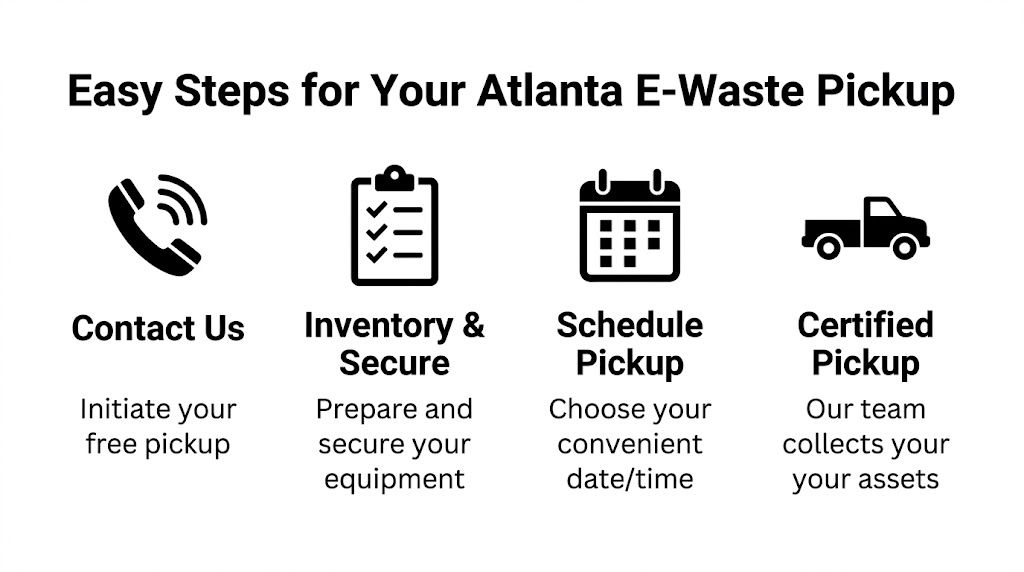
Create a rough inventory
Don’t wait for a perfect asset register. A usable estimate is enough to start. Count the major items first: laptops, desktops, monitors, servers, printers, switches, tablets, and loose drives if applicable.Confirm what’s data-bearing
Separate equipment that stores data from simple peripherals. That helps the recycler plan wiping, shredding, chain-of-custody handling, and post-pickup documentation.Choose one staging location
Pickup crews move faster when items are in one accessible place. Ground-floor rooms, loading docks, and freight-access areas work best.Schedule around business traffic
Avoid receiving hours, employee move-in days, or major vendor deliveries. The less conflict at the loading area, the smoother the visit.
Service area matters in Atlanta
Atlanta scheduling is local by nature. Traffic patterns, building access rules, elevators, loading dock reservations, and suburban drive times all affect pickup efficiency. Businesses in Fulton, DeKalb, Cobb, and Gwinnett usually benefit from choosing a provider familiar with the metro area and common access issues at office towers, campuses, hospitals, and municipal buildings.
A company that’s planning a multi-floor pickup, warehouse clearout, or mixed IT disposal project should also review the scope of electronic waste recycling services in Atlanta before pickup day. That helps avoid the common problem of assuming every item on site belongs in the same load.
If your team can answer three questions, scheduling is usually straightforward: what you have, where it is, and whether any of it contains data.
What pickup day should feel like
A well-run business pickup shouldn’t hijack the office. The crew should arrive with a clear understanding of the load, verify what’s being collected, move efficiently, and keep the chain of custody organized for data-bearing assets.
Here’s what helps on your side:
- Have a site contact ready: One person from IT, facilities, or office management should be available to answer access questions.
- Keep pathways open: Clear hallways, freight routes, and dock space before the truck arrives.
- Group by category when possible: Monitors together, laptops together, networking gear together. It speeds loading and reduces confusion.
- Flag exclusions early: If some devices aren’t leaving yet, mark them before the team starts moving equipment.
What doesn’t work is last-minute sorting in a crowded office, unmarked rooms, or asking the pickup team to figure out ownership on the fly. The more organized the staging area is, the more likely the process feels effortless.
Ensuring Ironclad Data Security and Compliance
For most businesses, the physical hardware isn’t the main risk. The data on it is. An old laptop in a locked office still poses a problem if nobody can verify whether it was wiped, decommissioned correctly, or moved through a documented chain of custody.
That’s why secure disposition has to start before the truck leaves the property. Data-bearing assets need to be identified, separated from low-risk peripherals, and processed under a method that matches the organization’s risk profile. For some equipment, software sanitization is appropriate. For other media, physical destruction is the stronger choice.

What secure processing should include
A serious process is more than a verbal promise that “everything gets destroyed.” Businesses should expect documented handling for drives, servers, laptops, desktops, and any removable media that may retain information.
Key controls usually include:
- DoD-standard wiping: For devices suitable for data sanitization rather than destruction.
- Physical shredding: Best for failed drives, obsolete media, or assets that require final destruction.
- Chain of custody: A documented record showing when assets were collected, transferred, and processed.
- Final certificates: Written proof of destruction and recycling for audit files.
Healthcare organizations need this discipline because HIPAA doesn’t care that a device was old or no longer in service. Government agencies, schools, law firms, and financial organizations face the same practical truth. If a device once held sensitive information, retirement has to be handled with the same seriousness as active use.
Wiping versus shredding
A common mistake is treating all hardware the same. It’s better to choose the method based on the equipment and the compliance requirement.
| Asset type | Typical secure approach |
|---|---|
| Reusable laptops and desktops | DoD-standard data wiping |
| Failed hard drives | Physical shredding |
| High-risk storage media | Physical destruction with documentation |
| Mixed IT loads with uncertain drive status | Sort first, then sanitize or shred as appropriate |
Companies benefit from reviewing secure hard drive destruction services in Atlanta before pickup. It helps internal teams decide which assets can move through sanitization and which should go straight to destruction.
A locked room is not a data security policy. Documentation is.
Why paperwork matters as much as process
Audits don’t happen on the loading dock. They happen months later, when compliance, legal, or procurement asks for proof. If your team can’t show who removed the equipment, how the data was handled, and what certificate was issued afterward, the process wasn’t complete enough.
That’s why chain-of-custody records and certificates of destruction matter. They convert a physical removal into an auditable event. For regulated businesses, that difference is substantial. It’s the gap between “we think it was handled” and “we can prove it was handled.”
How to Prepare Your IT Assets for a Smooth Pickup
Pickup day goes faster when the prep work is simple and disciplined. The goal isn’t to make your IT staff do the recycler’s job. It’s to remove the delays that usually happen inside the building.
The most common slowdown is scattered equipment. A few devices are in a storage room, others are under desks, some are in a closet on another floor, and a handful are still sitting in a branch office manager’s car trunk waiting to be returned. That creates confusion, duplicate effort, and missed assets.
The prep checklist that saves the most time
Use a short operational checklist, not a perfect one.
- Confirm the inventory: A simple count by device type is usually enough.
- Disconnect equipment: Remove power cables, network connections, and accessories you want to keep.
- Consolidate the load: Put everything in one accessible area if possible.
- Label exceptions: Mark any device that should stay on site.
- Identify data-bearing assets: Keep drives, laptops, and servers clearly separated when practical.
A lot of offices benefit from applying basic small business inventory management habits here, even if they’re not a small company. The principle is the same. If items are categorized, staged, and easy to count, the handoff is cleaner.
Where to place equipment before the truck arrives
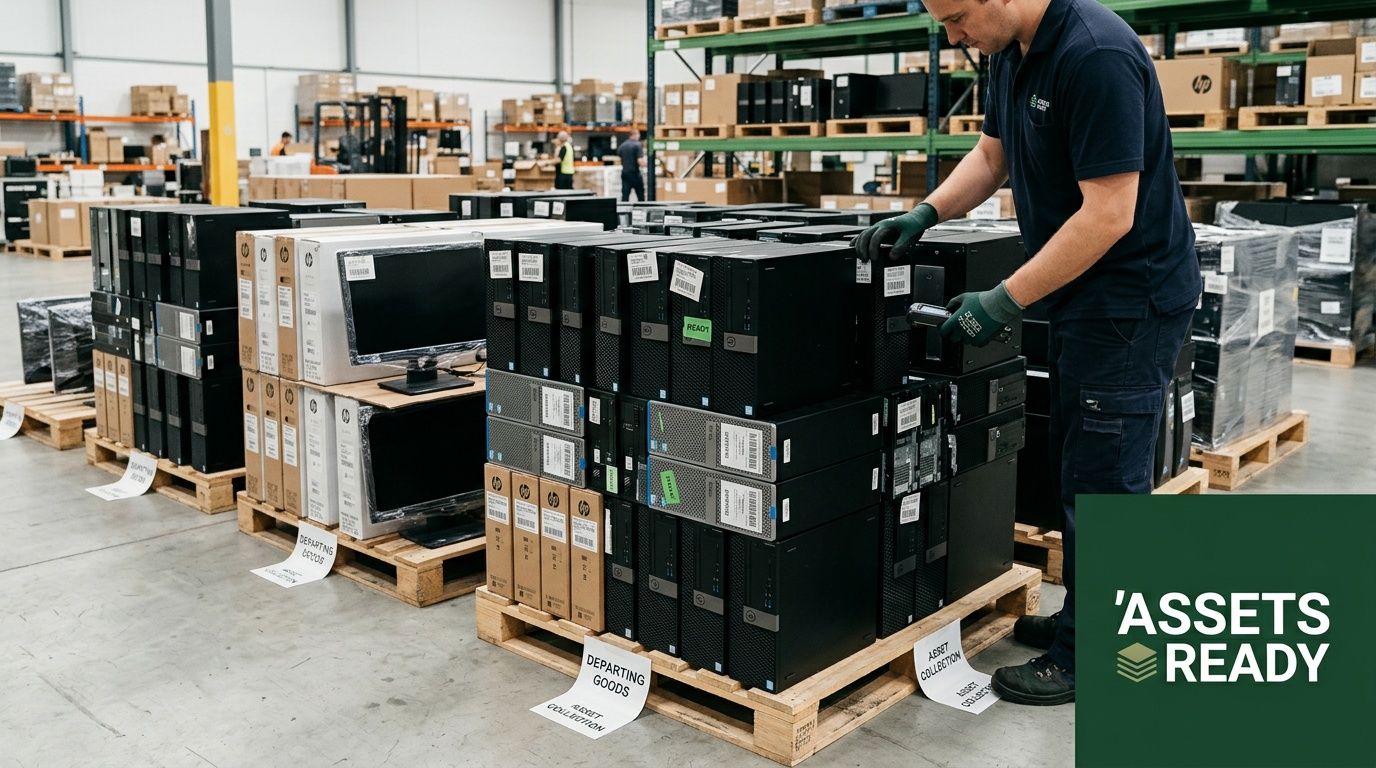
Accessibility affects speed more than generally expected. The best staging areas are loading docks, freight elevator lobbies, warehouse bays, or ground-floor rooms with direct exit paths. If your building has strict dock reservation rules, lock that in early.
For larger loads, palletizing can help. Stack stable items together, avoid overmixing fragile screens with heavier towers, and keep loose cables contained so they don’t slow the move. If your team isn’t set up for that work, it’s often smarter to ask for de-installation or packing support rather than improvising.
A building with a dedicated loading dock setup for business equipment removal will almost always have a smoother pickup than a site trying to route carts through public entrances and passenger elevators.
The fastest pickups start before arrival. Clear route, clear inventory, clear responsibility.
What not to do
Avoid these common errors:
- Don’t leave devices plugged in until the last minute unless they’re still in active use.
- Don’t mix personal staff property with company assets in the same pickup area.
- Don’t assume cords, adapters, and accessories should all go automatically if some may still support active devices.
- Don’t wait for a perfect spreadsheet before scheduling if the load is already substantial.
A good pickup is organized, not overengineered. Once the assets are counted, disconnected, and staged, the rest becomes straightforward.
Frequently Asked Questions about Business E-Waste Recycling
What kinds of business electronics are usually accepted
Most business pickups focus on standard IT and office technology such as desktops, laptops, monitors, servers, networking gear, storage devices, and related peripherals. Acceptance can vary for items like specialty equipment, damaged batteries, or non-IT materials, so it’s smart to confirm the list before scheduling.
What if our office doesn’t meet the free pickup minimum
You still have options. The best first move is to consolidate equipment across departments or locations. You can also bundle the load with an office move, lease return, refresh cycle, or server room cleanup. If the shipment includes higher-value equipment, ask whether that changes eligibility.
Do we need to wipe devices before pickup
Internal offboarding steps are still a good idea, but businesses shouldn’t rely on ad hoc employee resets as their only protection. What matters is documented sanitization or destruction under a controlled process, especially for laptops, desktops, servers, and loose drives.
How should we use ESG documentation after the pickup
Use it where stakeholders already expect proof of action. Sustainability pages, recruiting content, CSR summaries, internal newsletters, procurement responses, and LinkedIn company updates are all good fits. A digital badge works best when it appears alongside a short explanation of what your company recycled and why that action supports your broader values.
Is this only useful for large enterprises
No. Large organizations may have more volume, but smaller firms often benefit just as much because they have less room to waste, fewer staff hours to spare, and more need for a simple process. The key is matching the service model to the amount and type of equipment you have.
How often should a business schedule electronics recycling
The strongest practice is to build it into recurring operations. Hardware refreshes, employee offboarding, office moves, mergers, data center changes, and annual facility cleanouts are all natural triggers. Waiting until storage is overflowing usually creates more work than necessary.
If your company needs a practical path for secure, mission-driven electronics recycling, Atlanta Green Recycling can help you turn retired IT assets into a cleaner office, stronger compliance posture, and a meaningful ESG story that supports veterans and environmental restoration.