How to Clear a Computer’s Hard Drive The Right Way

Think hitting 'delete' on a file or reformatting a drive is enough to wipe it clean? It's a common mistake, but a dangerously wrong one. When you "delete" a file, you're usually just telling your computer to forget where it is. The actual data is still there, lurking on the drive, and it's surprisingly easy to recover with the right software.
Why Simply Deleting Files Is a Major Security Risk
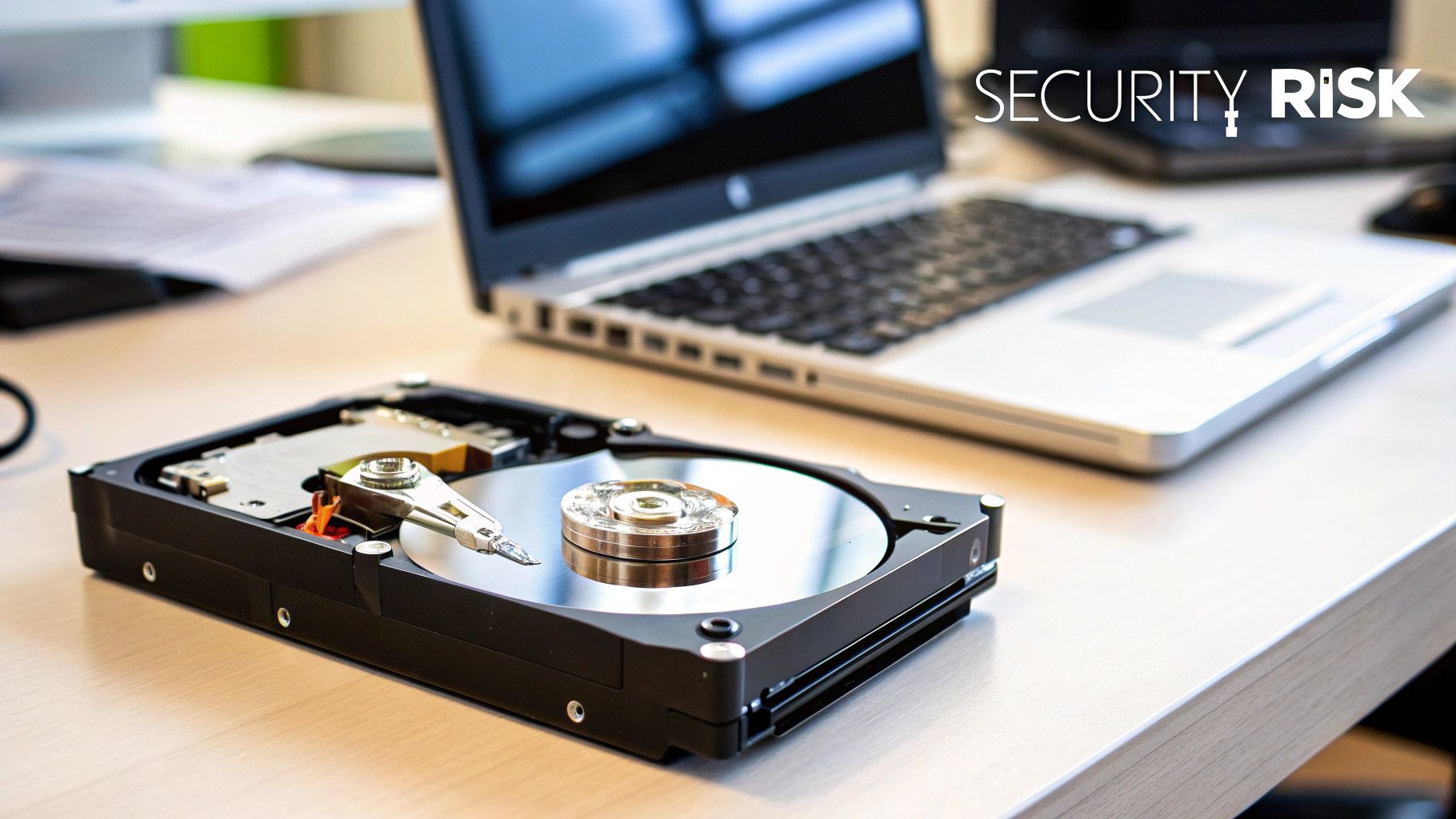
This simple oversight can have disastrous consequences for any organization. Forgetting to properly clear a computer's hard drive before you resell, recycle, or even just reassign it leaves a digital trail of sensitive company and customer information wide open.
The Real-World Costs of Inaction
The fallout from a data breach is staggering. We're not just talking about regulatory fines; the damage to your brand and the loss of customer trust can be far more costly in the long run.
Recent industry reports paint a stark picture, with the average cost of a data breach now hovering around $4.88 million. Suddenly, secure data destruction doesn't sound like a mundane IT task—it's a critical risk management strategy.
It's also a matter of compliance. Failing to handle data properly can put you in direct violation of major regulations:
- HIPAA: For healthcare organizations, leaving patient data on old devices isn't just a mistake; it's a violation that comes with severe penalties.
- GDPR: If you handle data for EU citizens, you are legally required to permanently erase it when it's no longer needed.
Data sanitization isn't just a good idea anymore—it's a foundational pillar of modern business security. Skipping it is like leaving your company's front door unlocked and wide open.
From Risk Mitigation to Positive Impact
While the risks are very real, the solution doesn't have to be purely defensive. In fact, responsible data destruction can become a powerful tool for good. Instead of looking at old tech as just a liability, you can see it as an opportunity. A good starting point is to get a broader perspective on general security tips for a safer digital life.
Here in Atlanta, we believe that secure disposal can be a force for social and environmental change. By understanding what data sanitization is and implementing it correctly, you can turn a necessary security procedure into a positive story for your brand.
Imagine a process where your company’s retired IT assets do more than just avoid a data breach. Through initiatives like our "Recycle for a Cause" campaign, that old server or box of laptops can help fund the planting of a new forest or provide critical support to a local veteran. This dual-impact model transforms a routine IT task into a powerful testament to your corporate social responsibility, turning e-waste into hope.
Your Pre-Wipe Checklist for Success
Jumping straight into wiping a hard drive without a solid plan is a recipe for disaster. It’s a classic mistake that can lead to the accidental loss of critical business data or, even worse, a failed compliance audit down the line. Good preparation isn't just another step; it's the foundation of a secure and successful data destruction process.
This pre-wipe checklist is designed to help you build an audit-proof trail right from the start. Following these initial steps ensures your organization stays productive and protected while responsibly managing its end-of-life IT assets.
Inventory Your Assets and Identify Sensitive Data
Before a single byte gets erased, you have to know exactly what you're dealing with. The first move is always to create a detailed inventory of every single device slated for decommissioning. This isn’t just about counting laptops and servers; it's about understanding the story the data on them tells.
Your inventory should nail down these key details:
- Device Type: Is it a laptop, desktop, server, or just an external drive?
- Serial Number: This is its unique fingerprint for tracking.
- Assigned User/Department: This gives you clues about the kind of data you'll find.
- Data Classification: Tag each device based on data sensitivity (e.g., Public, Internal, Confidential, PII, PHI).
That classification step is absolutely critical. A marketing associate's laptop and a server from your finance department require entirely different levels of attention and, very likely, different destruction methods. Getting this right upfront prevents a world of costly assumptions.
Execute and Verify Your Data Backup Strategy
Once you’ve mapped out what data you have, the next imperative is to save what you need. A properly verified backup is your only safety net. For a corporate environment, just dragging files to an external drive won’t cut it; you need a structured, reliable process. Before you begin any hard drive clearing process, a critical step in your checklist is to ensure all important data is securely backed up. You can learn more about how to backup your computer files to ensure nothing is missed.
A solid backup strategy often follows the 3-2-1 rule: have three copies of your data, on two different types of media, with one copy stored safely off-site. For most businesses, this looks like a mix of on-premise network-attached storage (NAS) and a secure cloud backup service.
After the backup is complete, verification is non-negotiable. Don't just assume it worked. Try to restore a few important files from the backup to confirm its integrity.
A backup that hasn't been tested is just a theory. Don't wait until it's too late to discover your backup process was flawed. Verification turns theory into certainty.
Establish a Clear Chain of Custody
From the moment a device is taken offline, you need to document its entire journey. A chain of custody is essentially a chronological paper trail that records every single person who handles the asset, from the employee's desk all the way to its final destruction.
This log is your legal proof of responsible handling and a cornerstone of compliance. It needs to detail who had the device, when they had it, and what they did with it. For organizations in Atlanta looking for a partner to manage this, this process is built directly into our secure pickup and recycling services. For a deeper dive into getting your devices ready, check out our guide on preparing your PC or laptop for disposal.
By meticulously working through this pre-wipe checklist, you transform data destruction from a risky chore into a controlled, compliant, and defensible business process. It guarantees operational continuity, protects your most sensitive information, and sets the stage for a secure and responsible disposal strategy.
Choosing the Right Data Destruction Method
Once you've meticulously prepped and backed up your devices, you’re at a critical crossroad: choosing how to clear the hard drive. This isn't a one-size-fits-all decision. The best technique depends on the type of drive you’re dealing with, your compliance obligations, and whether the hardware has a future life.
Getting a handle on the three core methods—software overwriting, degaussing, and good old-fashioned physical destruction—is the key to making a smart, defensible choice for your organization.
To help you get started, this decision tree maps out the initial thought process before you wipe anything.
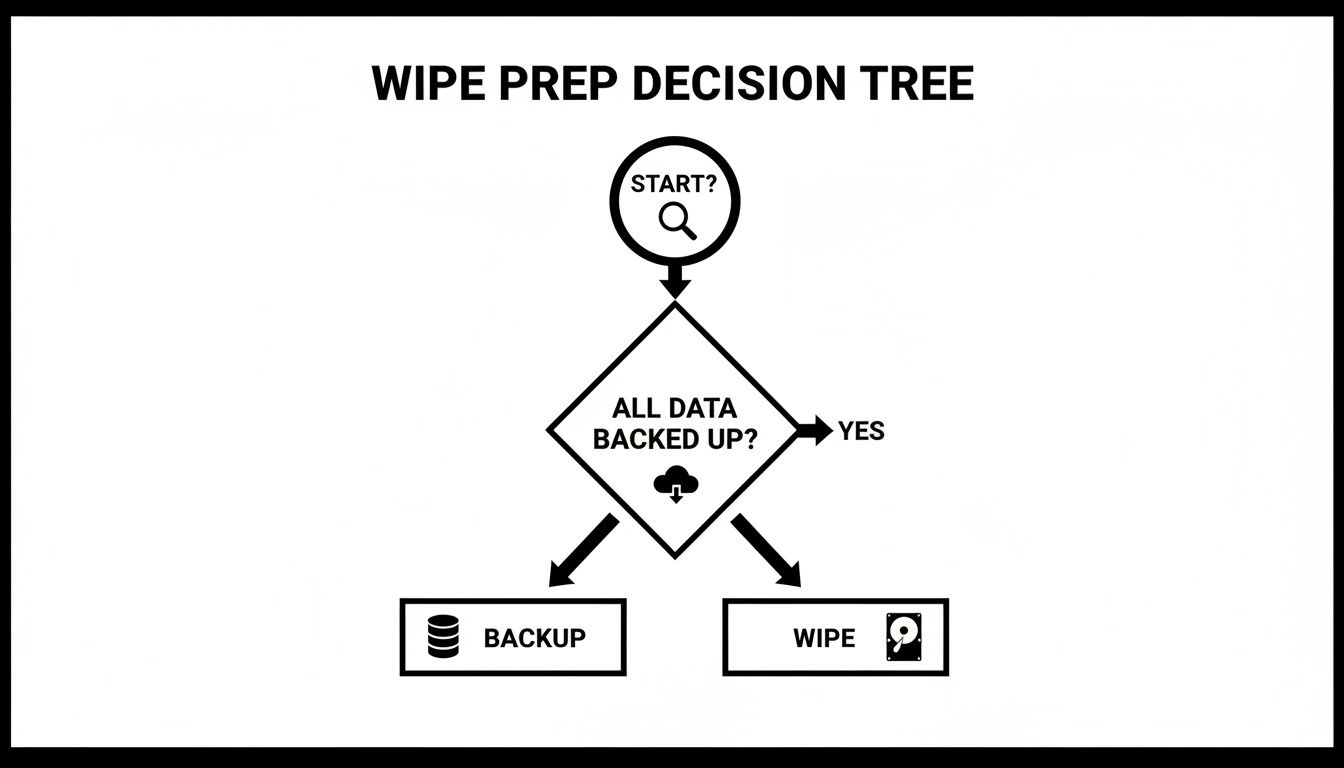
As you can see, the non-negotiable first step, before you even think about destruction, is confirming you have a solid backup.
Software Overwriting for Drive Reuse
Software-based data sanitization, often called "wiping," is exactly what it sounds like. Specialized programs write new patterns of random data over every single part of a hard drive, effectively burying the original information. Once overwritten, that old data is virtually impossible to recover with standard tools.
The big win here? The hard drive remains perfectly functional. This makes it the ideal choice if you plan to reuse, resell, or donate the hardware.
Think of it like painting over a canvas. You aren't destroying the canvas itself; you're just layering on new paint until the original image is completely gone. While old standards like the 3-pass DoD 5220.22-M are well-known, today's benchmark is the NIST 800-88 guideline. For most modern drives, NIST finds that a single, verified pass is more than enough.
Degaussing for Magnetic Media
Ready for a more aggressive approach? Degaussing is the answer, but it only works on magnetic media like traditional Hard Disk Drives (HDDs) and old backup tapes. A degausser is a beast of a machine that blasts the drive with an incredibly powerful magnetic field. This scrambles the magnetic platters where your data lives, turning it all into permanent, unreadable noise.
The process is lightning-fast and extremely effective, but it comes with a catch: the drive is rendered completely useless afterward. That intense magnetic field doesn't just erase data; it also fries the delicate firmware that makes the drive operate.
For a deeper dive into the science behind this, check out our guide on erasing hard drives with magnets and its effectiveness.
Physical Destruction for Ultimate Security
When you have data so sensitive that even a minuscule risk of recovery is unacceptable, or when a drive is simply at the end of its life, physical destruction is the final word. It’s the most straightforward method: the drive goes into an industrial shredder and gets pulverized into tiny, mangled pieces of metal and plastic.
There is no coming back from physical destruction. It provides the highest possible level of security and complete peace of mind, making it a requirement for many government and high-compliance industries.
This method guarantees data can never be pieced back together. Partnering with a certified service ensures this is handled securely and responsibly, and you get a Certificate of Destruction for your audit trail.
Hard Drive Sanitization Methods Compared
The type of drive you're handling plays a huge role in this decision. Software overwriting is great for most HDDs, but it’s not always the best fit for Solid-State Drives (SSDs) because of how they manage data. For SSDs, a cryptographic erase or physical destruction is often the more reliable path.
This table breaks down the options to help guide your choice.
| Method | Best For | Security Level | Drive Reusability | Compliance Alignment |
|---|---|---|---|---|
| Software Overwriting | Reusing or reselling functional HDDs and some SSDs | High | Yes | NIST 800-88 (Clear/Purge) |
| Degaussing | Quickly sanitizing large quantities of HDDs | Very High | No | NIST 800-88 (Purge) |
| Physical Destruction | End-of-life, damaged, or SSDs with sensitive data | Highest | No | NIST 800-88 (Destroy) |
Ultimately, deciding how to clear a hard drive is about balancing your security needs, budget, and the future value of the hardware. By aligning your method with industry standards and the specific type of media you have, you build a data destruction strategy that is secure, compliant, and ready for any audit.
Verification and Reporting: Your Keys to Compliance
Erasing data is really only half the job. To truly protect your organization, you need undeniable proof that the data is gone for good.
This final step—verification and reporting—is what turns a technical task into a legally defensible business process. Without it, you’re basically just crossing your fingers and hoping you did the job right. Think of proper documentation as your shield in an audit. It shows you’ve done your due diligence and met your obligations under rules like HIPAA, GDPR, or Sarbanes-Oxley. It's the difference between telling an auditor your data is gone and showing them.
How to Confirm a Successful Wipe
If you went the software route, verification is a non-negotiable final check. Any professional data sanitization tool worth its salt will have a built-in verification feature, and you absolutely need to run it after the wipe is complete.
So, what does it do? The software scans every single sector of the hard drive to confirm the original data has been replaced by random overwrite patterns. It's looking for any missed spots or errors that might have popped up. If the software gives you the green light after a full verification pass, you can be confident that data is forensically unrecoverable.
A wipe without verification is an incomplete job. It’s like locking a door but never checking to see if the bolt actually caught. Always run the verification cycle.
Decoding the Certificate of Destruction
When you work with a certified data destruction provider, your proof comes in a formal document: the Certificate of Destruction (CoD). This isn't just a receipt. It's a legal document that serves as your audit-proof record of compliance. But not all certificates are created equal.
A valid, compliant CoD has to include specific details to be a legitimate part of your chain-of-custody records.
- Unique Serial Numbers: Every single device—hard drive, server, laptop—needs to be listed individually by its unique serial number.
- Method of Destruction: The certificate must clearly state how the data was destroyed, whether by overwriting, degaussing, or physical shredding.
- Date and Location: It has to specify exactly when and where the destruction took place.
- Chain-of-Custody Signatures: The document should show a clear transfer of custody, signed and dated by an authorized person from your company and the vendor.
- Statement of Compliance: Look for a declaration that the process followed specific standards, like NIST 800-88.
For businesses that can't afford any ambiguity, our secure hard drive shredding services provide a detailed CoD that ticks all these boxes and more.
Turning Compliance into a Positive Story
Keeping detailed internal records is a must, but modern compliance is about more than just data logs. These days, stakeholders, customers, and even your own employees expect companies to be good corporate citizens. This is where partnering with a mission-driven service like GreenAtlanta can transform a necessary security task into a powerful ESG and CSR win.
Beyond the standard Certificate of Destruction, we provide detailed Veteran Support Impact Reports and Plant-A-Tree Certificates. These auditable documents don't just prove you’re compliant; they showcase your company's positive social and environmental impact. Imagine showing your leadership team that your IT asset retirement program also helped plant 100 trees in a national forest and supported local veterans.
This approach rolls security, sustainability, and social responsibility into one seamless, documented process. It closes the loop on how to clear a computer's hard drive not just securely, but with purpose.
Partnering for Secure and Socially Responsible Disposal
Trying to manage the end-of-life process for your company's IT assets in-house might seem like a way to save a few dollars, but it’s a path loaded with potential landmines. The reality is, the time, resources, and very specific expertise needed to properly clear a hard drive to modern compliance standards are significant. Even worse, one small mistake can open your business up to massive liability.
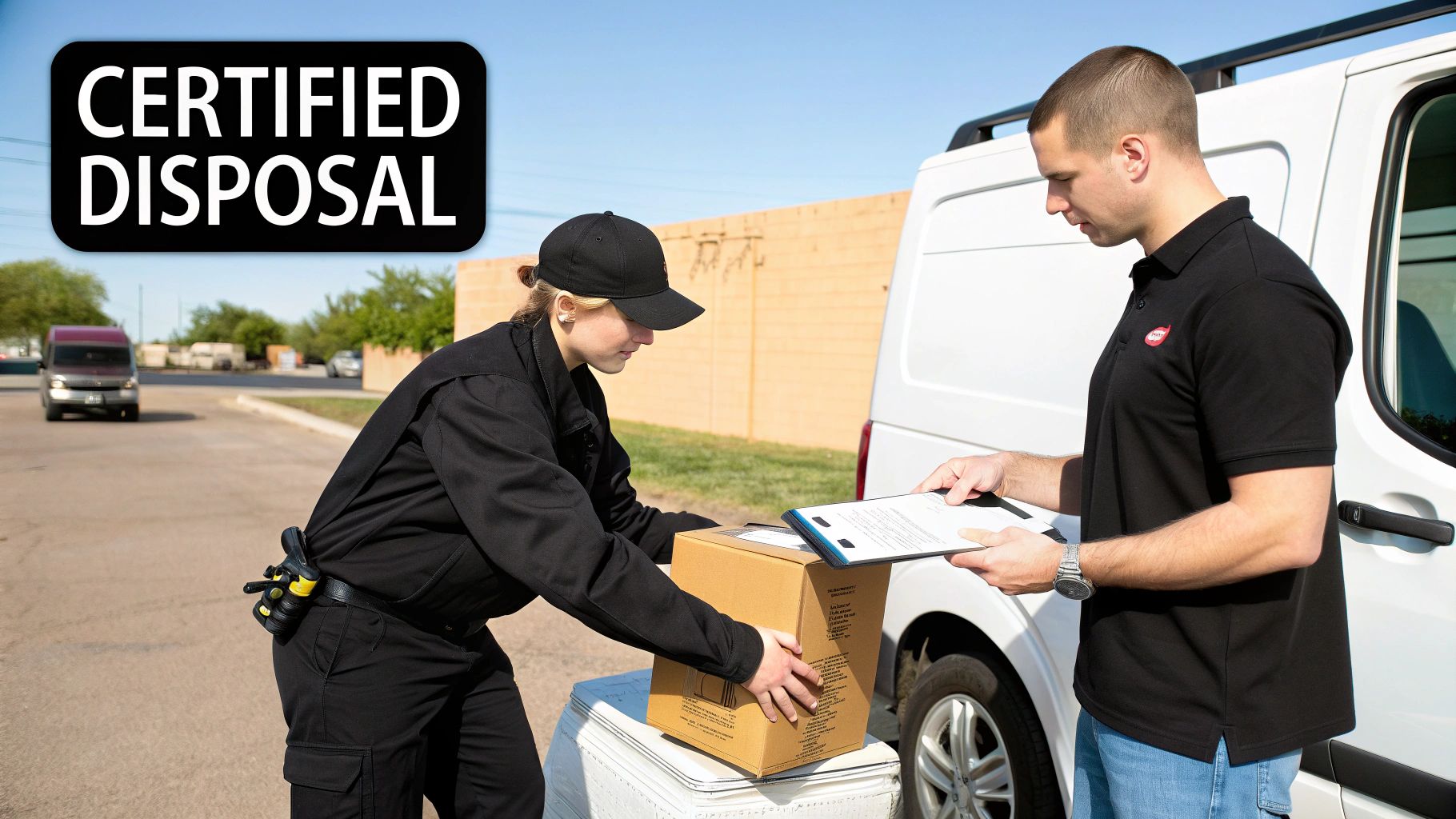
This is precisely why partnering with a certified data destruction expert isn't just a convenience—it's a smart, strategic business decision. Working with a professional service gives you access to industrial-grade equipment and guarantees compliance with tough standards like NAID AAA. It also provides the insured peace of mind that only comes from a fully documented and legally defensible process.
More and more businesses are catching on. The hard-drive destruction market is already valued at over $1.5 billion and is projected to skyrocket to as much as $5.05 billion by the early 2030s, showing a clear shift towards professional risk management.
Beyond Security: A New Standard for Corporate Responsibility
The conversation around data destruction is changing, though. Today, it’s about more than just dodging risk; it’s about creating real value. Choosing the right partner in Atlanta can turn a routine IT task into a powerful Environmental, Social, and Governance (ESG) statement that resonates with your clients, your employees, and the entire community.
This is where top-tier security and genuine social impact meet. Instead of seeing old tech as just another liability to manage, you can start seeing it as an asset for positive change.
Your old tech can house a veteran and grow a forest. This simple idea is at the core of a new, more purposeful approach to electronics recycling.
This model transforms e-waste from a problem into a powerful solution. It's a tangible way for your company to showcase its commitment to corporate social responsibility (CSR) without adding any extra work for your team.
Turning E-Waste into Hope and Reforestation
Our "Recycle for a Cause" initiative is designed to be an easy ESG win for Atlanta businesses. The process is simple, but the impact is profound. We believe your retired IT assets should do more than just be securely erased—they should help build a better world.
Here’s how it works:
- Free Corporate Pickups: For businesses with 50 or more devices, we offer a completely free pickup service. We handle all the logistics so your team can stay focused on what they do best.
- Dual-Impact Contribution: Every device we process contributes to two critical causes: supporting veterans in our community and planting trees through our national reforestation partnerships.
- Auditable Impact Reporting: You get a full suite of documentation, including Plant-A-Tree certificates and Veteran Support Impact Reports—perfect for your annual CSR and sustainability reporting.
This dual-impact model creates a compelling story. It allows your company to showcase tangible outcomes from its sustainability efforts, reinforcing your brand's commitment to both the local community and the environment. Businesses ready to take this step can learn more about electronics recycling in Atlanta and how to get started.
Building Your Brand with Purpose-Driven Partnerships
This approach does more than just securely clear a computer's hard drive; it builds brand equity. When you partner with a service that has a strong social mission, you gain a powerful story to share with the world.
We provide our corporate partners with a digital “Recycled with Purpose” eco-badge they can proudly display on their websites and in sustainability reports. This badge is a quick visual cue to your customers and stakeholders, showing that your company invests in solutions that benefit society. It’s a simple but effective way to prove that your commitment to ESG principles is more than just talk—it's built right into your operational DNA.
Got Questions About Wiping Hard Drives? We've Got Answers.
When it comes to data destruction, there's no room for guesswork. Getting the facts straight is the only way to make decisions that are both confident and compliant. Let's tackle some of the most common questions we hear from organizations trying to figure out how to clear their hard drives for good.
"Can't I Just Format the Drive?"
No, and honestly, this is one of the most dangerous misconceptions in IT asset management. Thinking a simple format will protect you is a huge mistake.
Formatting a drive is basically like ripping the table of contents out of a book. All the pages and the words are still there; they're just a little harder for the average person to find. A standard format only removes the file system pointers, which makes the data invisible to your operating system. But the actual information? It’s sitting right there on the disk platters, ready to be recovered with widely available software.
If you want true data erasure, you have to overwrite the data completely or physically destroy the drive. There's no middle ground.
What's the Difference Between DoD and NIST Standards?
You'll hear these two acronyms thrown around a lot. They represent two very different approaches to data sanitization, and it's critical to know which one matters for your business today.
- DoD 5220.22-M: This is the old-school Department of Defense standard. It's known for its specific 3-pass overwrite method. It was the gold standard back when all we had were magnetic hard drives, but it's now considered outdated for modern tech.
- NIST 800-88: This is the modern, flexible framework from the National Institute of Standards and Technology. It’s what nearly every certified professional uses today. Instead of prescribing one rigid method, NIST focuses on the outcome, defining levels like Clear, Purge, and Destroy. This makes it far better suited for today's diverse technology, especially SSDs.
Bottom line for any business concerned with compliance: NIST 800-88 is the standard you need to follow.
Think of the DoD standard as a specific recipe from an old cookbook. NIST, on the other hand, is like a master chef’s technique guide. It tells you what a perfectly prepared dish should taste like and lets you pick the best cooking method for the ingredients you actually have.
Can I Wipe an SSD the Same Way I Wipe an HDD?
Absolutely not. Trying to do so is a classic mistake that can leave massive security holes in your process. Traditional overwriting software built for spinning Hard Disk Drives (HDDs) just doesn't work reliably on Solid-State Drives (SSDs).
The reason comes down to a feature called wear leveling. An SSD is constantly and automatically moving data around its memory cells to prevent any single part from wearing out too quickly. When you tell it to overwrite a specific spot, the drive might have already moved that data somewhere else. You're left wiping an empty spot while the sensitive data sits untouched.
For SSDs, NIST makes it clear: the best methods are using the drive’s built-in ATA Secure Erase command, cryptographic erasure, or, for maximum security, physical destruction.
Why Pay for a Service? A Hammer Seems a Lot Cheaper.
While the idea of taking a hammer to an old hard drive might sound satisfying, it’s a terrible business practice. For one, it provides zero proof that you've met your compliance obligations.
It's also surprisingly ineffective. You'd be amazed at how difficult it is to completely shatter the internal storage platters beyond the point of recovery. Data fragments can easily survive a few good whacks.
But the real deal-breaker? There's no audit trail. A certified destruction service uses industrial-grade shredders that pulverize drives into tiny, unrecoverable pieces of metal and plastic. More importantly, they give you a Certificate of Destruction. This document is your legal, verifiable proof that you handled that data responsibly—something a hammer simply can't provide.
Ready to turn a complex compliance task into a simple, secure, and socially responsible process? At Atlanta Green Recycling, we don’t just destroy data; we transform your old technology into tangible support for veterans and our environment. Schedule your corporate pickup today and receive the documentation you need to prove your commitment to security and sustainability. Learn more at Atlanta Green Recycling.